Play music from your phone via the Samsung TV speaker.
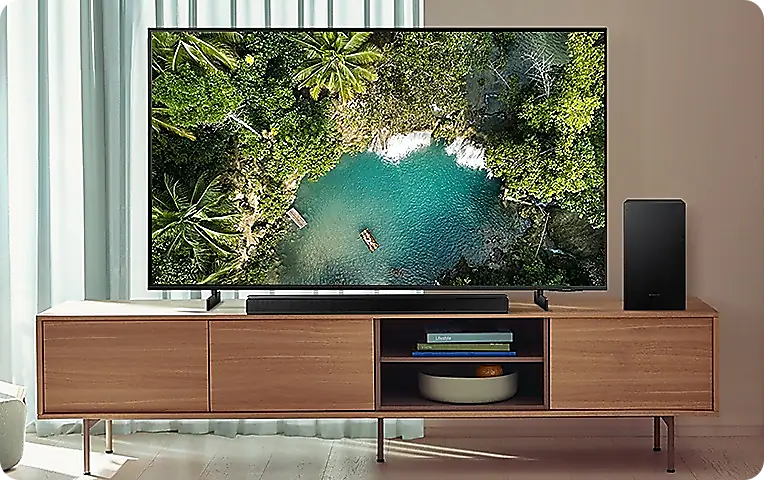
To play music from your Samsung Galaxy phone via your Samsung TV speaker, ensure both devices are connected via Bluetooth. This feature allows you to enjoy enhanced audio quality and volume compared to your phone's built-in speakers.
1. How to connect your Samsung Galaxy phone to your Samsung TV speaker
- Turn on your Samsung TV and ensure it is in standby mode.
- On your Samsung Galaxy phone, open the Settings app.
- Navigate to Connections > Bluetooth.
- Enable Bluetooth and search for nearby devices.
- Select your Samsung TV from the list of available devices.
- Confirm the pairing request on your TV using the remote control.
- Once connected, open your music app and start playing audio. The sound will now stream through your TV speaker.
2. How to turn off the TV screen while playing audio
If you prefer to keep the TV screen off while listening to audio, follow these steps:
- Ensure your phone is connected to the TV via Bluetooth.
- On your Samsung TV, locate the Picture Off icon.
- For 2020–2024 TV models, select the Picture Off icon at the bottom right corner of the screen.
- For 2017–2019 TV models, select the Picture Off icon displayed on the screen.
3. Additional things to check
- Ensure both devices are within close proximity for stable Bluetooth connectivity.
- Verify that your Samsung TV supports Bluetooth audio streaming. Refer to your TV's product specifications for compatibility details.
- Restart both devices if you encounter connection issues.
4. Supported Samsung Galaxy devices
This feature is compatible with most Samsung Galaxy devices, including the Galaxy S24, Galaxy S25, Galaxy S26, Galaxy Z Fold, Galaxy Z Flip, and Galaxy A series. Ensure your phone runs the latest software version for optimal performance.
5. Why the issue happens
- Software update interruptions may cause temporary connectivity issues.
- Low battery levels on either device can disrupt Bluetooth pairing.
- Interference from other Bluetooth devices in the vicinity may affect signal stability.
6. Related Samsung support topics
Thank you for your feedback!
Please answer all questions.