What to Know Before Wall Mounting a Samsung TV
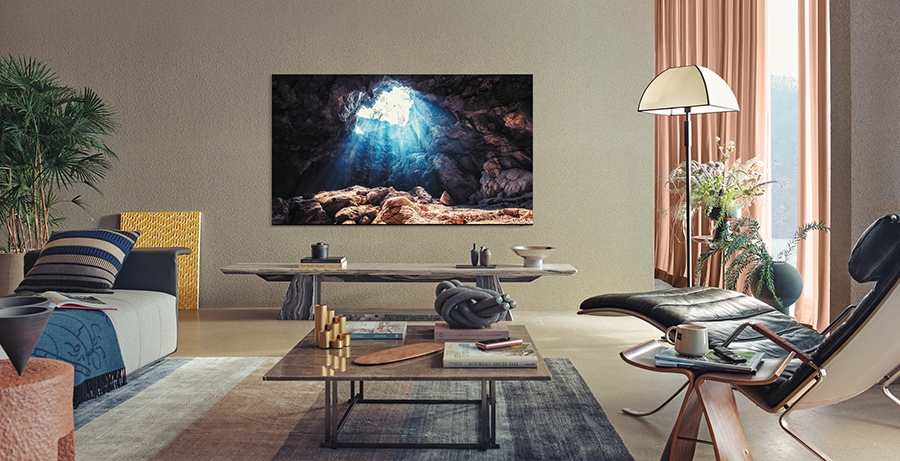
How to Safely Wall Mount Your Samsung TV: A Complete Guide
Wall mounting your Samsung TV can enhance your viewing experience, save space, and improve safety. However, proper planning is essential to ensure a secure installation, optimal viewing angles, and device compatibility. Follow this comprehensive guide to avoid common pitfalls and achieve a professional result.
1. What is the Ideal Viewing Distance for My Samsung TV?
To determine the ideal viewing distance, divide your TV's screen size by 0.55. For example, a 60-inch Samsung TV should be viewed from approximately 109 inches away. If your room is smaller, consider a smaller TV to maintain a comfortable viewing experience.
2. How Do I Ensure Structural Integrity When Mounting My TV?
Your wall must support the weight of your Samsung TV. Always attach the mount to wall studs for maximum stability. Use a stud finder to locate studs and ensure the mount is securely fastened. If studs are not accessible, consult a professional for alternative solutions.
- Heavy TVs require sturdy mounting to prevent accidents or damage.
- Weak walls or improper mounting can lead to TV detachment.
3. Can I Mount My Samsung TV Above a Fireplace?
Mounting your Samsung TV above a fireplace is possible but requires careful consideration. Heat from the fireplace can damage your TV, so ensure the temperature does not exceed 40°C. Test the heat output before mounting and consider recessing the TV or adding a mantle to block heat exposure.
- Ash from wood-burning fireplaces can accumulate on the TV and vents.
- Mounting above a fireplace may elevate the TV above eye level, causing neck strain.
4. How Do I Manage Cables and External Devices?
Plan for cable management to maintain a clean look. Use in-wall-rated cables and kits to route cords through the wall. Samsung's One Connect Box simplifies connections by consolidating devices into a single cable. For other devices, ensure they are placed conveniently near the TV.
5. What Screw Sizes Are Needed for Wall Mounting My Samsung TV?
The screw size depends on your TV's dimensions. Refer to the following guidelines:
- For TVs 19–22 inches: Use M4 screws.
- For TVs 30–40 inches: Use M6 screws.
- For TVs 43–88 inches: Use M8 screws.
Universal TV mounting hardware kits are available at local retailers for convenience.
6. What Tools Are Required for Wall Mounting a Samsung TV?
Gather the following tools before starting:
- Stud Finder
- Carpenter's Level
- Phillips Head Screwdriver
- Power Drill
- Universal TV Mounting Screws
- In-Wall Power Extension (for cable management)
7. How Do I Install a Standard Wall Mount?
Follow these steps to install a standard wall mount:
- Locate wall studs using a stud finder.
- Mark the mounting points and ensure they are level.
- Drill holes and attach the mount to the studs.
- Secure the TV to the mount according to the manufacturer's instructions.
8. What Is a No-Gap Wall Mount and How Do I Install It?
Samsung's No-Gap Wall Mounts are designed for QLED and Frame TVs, providing a sleek, flush-to-the-wall appearance while allowing proper ventilation. Installation involves:
- Attaching the mount to the wall studs.
- Aligning the TV with the mount and securing it.
- Adjusting the TV's level after mounting.
9. How Do I Install a Mini Wall Mount?
Samsung Mini Wall Mounts offer a slim profile (0.7–1.6 inches) for ventilation and aesthetics. Installation steps include:
- Attaching the mount to the wall studs.
- Securing the TV to the mount.
- Using the included leg to angle the TV for device access.
10. Supported Samsung TV Models for Wall Mounting
Wall mounting is compatible with most Samsung TV models, including:
- QLED TVs
- Frame TVs
- Crystal UHD TVs
- Neo QLED TVs
Related Samsung Support Topics
Thank you for your feedback!
Please answer all questions.