Control panel, Run calibration, and Cycle chart: WA49B5205A*
The control panel can be found at the top of the washer, in the back.
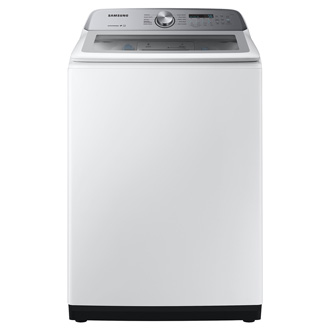
Control panel, Run calibration, and Cycle chart: WA49B5205A*


Control Panel
- Cycle Selector
- Display
- Temp.
- Rinse
- Spin
- Soil
- Pre Soak
- Fabric Softener
- Alarm Off
- Delay End
- Deep Fill
- Smart Care
- Power
- Start/Pause (Hold to Start)
Calibration
You can run calibration for accurate weight detection. Make sure the tub is empty before running calibration.
- Press Power to turn on the washer.
- Press and hold Temp. and Delay End simultaneously for 3 seconds.
- Press and hold Start/Pause (Hold to Start) to start calibration.
Note: The tub rotates clockwise or counterclockwise for approximately 2 minutes. - When complete, "0" appears on the display, and the washer turns off automatically.
Cycle Chart
Use this chart to set the best cycle and options for your laundry.


Recommended Articles
We're here for you
Contact Samsung Support
Contact us online through chat and get support from an expert on your computer, mobile device, or tablet. Support is also available on your mobile device through the Samsung Members App.

