Using the TV Controller and How to turn on and off the Microphone: Q6*B/Q7*B, Q8*B, QN85BA, QN85BD, QN90BA, QN90BD
The TV controller is found at the bottom of the TV, either in the middle or the bottom right corner.
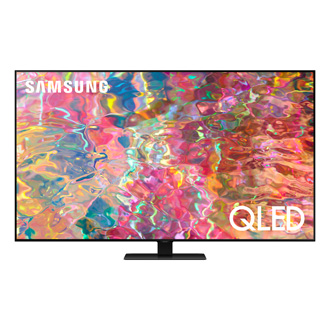
Using the TV Controller and How to turn on and off the Microphone: Q6*B/Q7*B, Q8*B, QN85BA, QN85BD, QN90BA, QN90BD
Using the TV Controller
You can turn on the TV with the TV Controller button at the bottom of the TV, and then use the Control menu. The Control menu appears when the TV Controller button is pressed while the TV is On.
- The screen may dim if the protective film on the SAMSUNG logo or the bottom of the TV is not removed. Please remove the protective film.
- (A) Control menu
- (B) TV Controller button / Remote control sensor / Microphone switch


How to turn the Microphone on and off
You can turn the microphone on or off by using the switch at the bottom of the TV. If the microphone is turned off, all voice and sound features using the microphone are not available.
- The position and shape of the microphone switch may differ depending on the model.
- During analysis using data from the microphone, the data is not saved.
Note
This function is supported only in Q7*B/Q8*B/QN8*B/ QN9*B Series.


Recommended Articles
We're here for you
Contact Samsung Support
Contact us online through chat and get support from an expert on your computer, mobile device, or tablet. Support is also available on your mobile device through the Samsung Members App.

