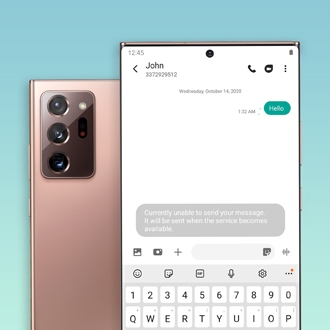
Screen flashes green on Galaxy A57 5G
If your Galaxy A57 5G screen briefly flashes green when you turn it on, updating your device to the latest software version can quickly resolve the issue.


Swipe down from the top right corner of the screen to open the Quick panel settings. Tap the Settings icon, tap Sound and vibration.
Alternatively, to disable the ringer during an incoming call, press the Volume button on the side of your phone.
If the phone rings for a specific contact after making the changes above, check the contact settings.
Open the Contacts app, and then select the contact. Tap More from the bottom of the menu, and then tap Change ringtones/vibration. Tap Ringtone, and then turn off the switch for Ring even when set to Vibrate or Mute.
Select CONTINUE to visit HP's website.