How to restart or reset your Samsung earbuds

If your Galaxy Buds are not working as expected, you can reset them to restore their default settings. This can help resolve connection or performance issues. The reset option is available in different locations depending on your software version.
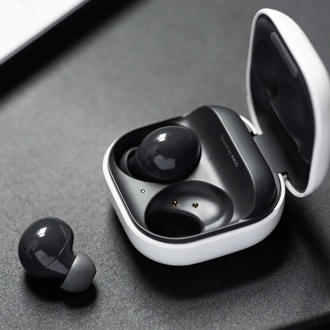
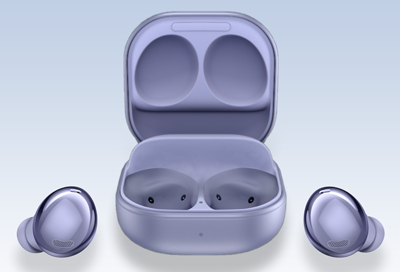
A set of Galaxy Buds4 Pro in an open charging case with a Galaxy phone and Watch in the background.

How to restart or reset your Samsung earbuds

Note
Make sure both earbuds have at least 15% battery before resetting.

Reset your Galaxy Buds (One UI 8.0 or later)

You can reset your Galaxy Buds from your phone Settings.

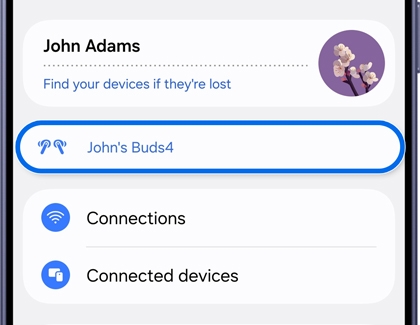
  1. Open Settings, then tap your Galaxy Buds.
    Settings menu with the user's Galaxy Buds device name selected.
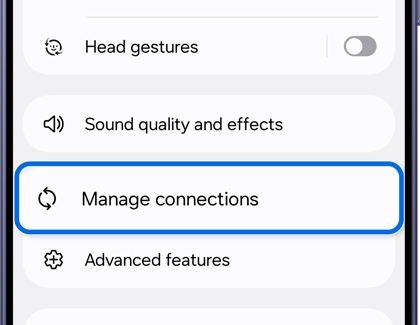
  2. Tap Manage connections.
    Galaxy Buds screen with Manage connections option highlighted.
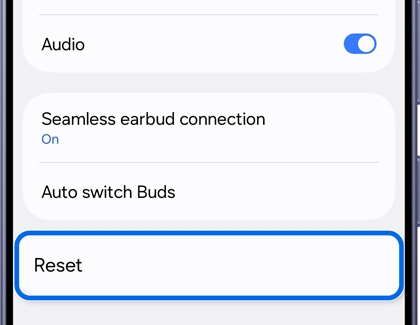
  3. Tap Reset, then tap Reset again to confirm.
    Reset confirmation screen the Reset button highlighted.
Read less

Reset your Galaxy Buds (One UI earlier than 8.0)

You can reset your Galaxy Buds through the Wearable app.

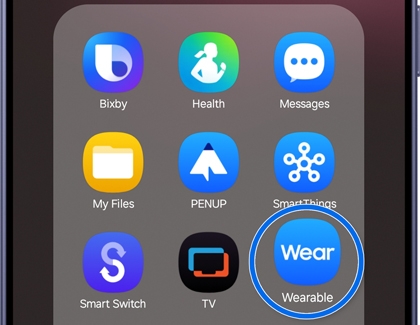
  1. Open the Wearable app.
    Galaxy phone screen with the Wearable app highlighted.
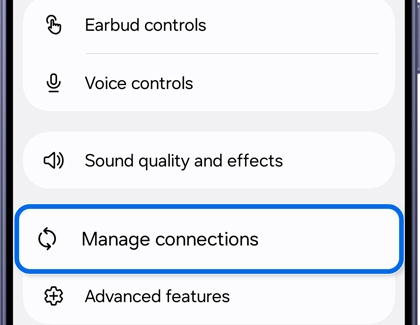
  2. Tap Manage connections.
    Galaxy Buds screen with Manage connections option highlighted.
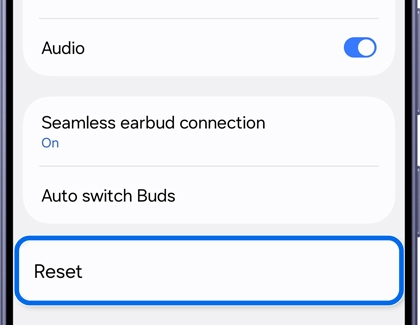
  3. Tap Reset, then tap Reset again to confirm.
    Reset confirmation screen the Reset button highlighted.
Read less
Was this content helpful?
We're here for you

Contact Samsung Support

Contact us online through chat and get support from an expert on your computer, mobile device, or tablet. Support is also available on your mobile device through the Samsung Members App.