SmartThings device does not respond or the status is disconnected or incorrect
If a smart device's status remains in a specific state, shows as Offline, or fails to respond to actions, you can attempt to check the power supply to your hub, perform a reset, or follow additional troubleshooting steps to resolve the issue.
SmartThings device does not respond or the status is disconnected or incorrect
Recommended Articles
Reinitialize the SmartThings Tracker
If the SmartThings Tracker is reinitialized, it will be reset. To do so, you must delete the tracker from the SmartThings app. When it's deleted, it will initialize itself so it can reconnect to SmartThings. At which time, you'll be able to connect and register the tracker with any Samsung account.
Change the Wi-Fi network properties for SmartThings devices
If you've changed your Wi-Fi network's name or password, then you'll need to update that information for your SmartThings hub and connected devices as well. For some devices, you can do this from within the SmartThings app. For others, you may have to reset the device and reconnect it to your SmartThings account.
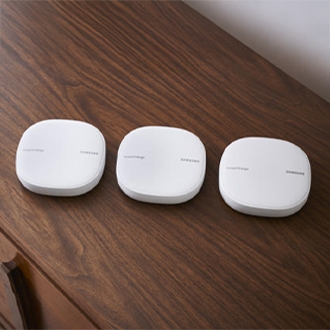
Firmware updates for SmartThings sensors, outlets and buttons
Make sure you keep your SmartThings devices, such as sensors and outlets, updated with the latest firmware. This will ensure they have the best performance.
We're here for you
Contact Samsung Support
Contact us online through chat and get support from an expert on your computer, mobile device, or tablet. Support is also available on your mobile device through the Samsung Members App.