The display is blank on my Samsung monitor
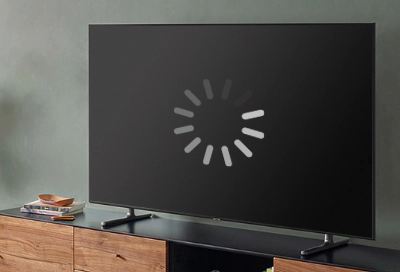
The most common reason for a blank monitor or Odyssey Ark gaming screen is that it's turned off, it's hibernating, or it's using a screen saver. Assuming that's not the case, you'll need to identify if the problem is with the monitor or with the connected device.
The display is blank on my Samsung monitor
Recommended Articles
Samsung monitor turns black when I close my laptop lid
By default, most laptops go to sleep when they are closed, even when an external monitor or Odyssey Ark gaming screen is connected. However, it's pretty easy to adjust this setting if you don't like it.
Samsung monitor's image is distorted, ghosted, or flickering
A flickering, flashing, or blinking monitor or Odyssey Ark Gaming Screen is often caused by a loose or damaged cable, a faulty power source, nearby appliances with a high current, out-of-date drivers, or the refresh rate setting on your computer. You can try fixing your flickering monitor by checking for these potential issues, and by making sure y
Samsung monitor display is blank
The most common reason for a blank monitor or Odyssey Ark gaming screen is that it's turned off, it's hibernating, or it's using a screen saver. Assuming that's not the case, you'll need to identify if the problem is with the monitor or with the connected device.
We're here for you
Contact Samsung Support
Contact us online through chat and get support from an expert on your computer, mobile device, or tablet. Support is also available on your mobile device through the Samsung Members App.