Minimize unnecessary head movements

When using your headset, arrange floating windows—such as a web browser, document, or video app—in easy-to-reach spots around you. This helps you see them without needing to move your head too much.
Read more
Read less
Maintain an upright posture
Note
The Galaxy XR is designed for optimal performance in seated or standing positions. Lying down may cause focus issues, slipping, damage to the fit dial, or the fabric back band to lose tension and become less secure. For the best experience, ensure the device is used in a stable position.

Sit or stand with proper posture while using the Galaxy XR. Avoid slouching or leaning forward, as this can contribute to neck strain and discomfort.
Read more
Read less
Start with short usage sessions
If you're new to the Galaxy XR, begin with short usage sessions and gradually increase the duration over time. This allows your body to adapt to the device and reduces the risk of discomfort.
Read more
Read less
Take breaks if you experience discomfort
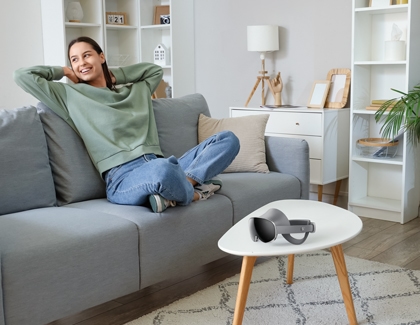
If you experience headaches, dizziness, or head pain while using the Galaxy XR, pause your usage and rest until you feel comfortable resuming. Taking breaks helps alleviate symptoms and prevent further discomfort.
Read more
Read less
Understand the headset's design
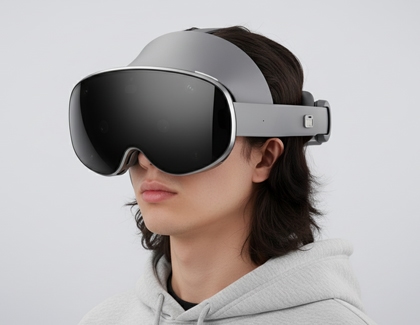
The Galaxy XR is designed to avoid sensitive areas of the face, focusing on the forehead and back of the head, which are less sensitive to pressure. If you experience head pain, ensure the device is properly adjusted and take breaks as needed.
Read more
Read less