Cannot scroll in the Email app on Galaxy phone or tablet

The screen scroll may not work properly while typing or viewing in the reply or forward screen in the Samsung Email app. This issue occurs due to a recent update (M139 and later version) in the Android System WebView.
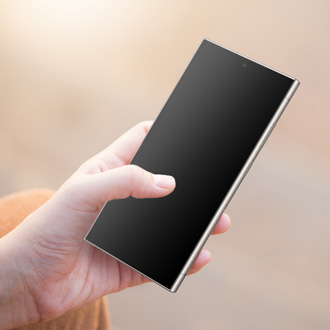
Hands holding a Samsung Galaxy phone while typing an email in the Email app.

Cannot scroll in the Email app on Galaxy phone or tablet

1

Uninstall the Android System WebView update.

Swipe down with two fingers from the top of the screen to open the Quick settings panel. Tap the Settings icon (it looks like a gear) at the top of the screen. Swipe to and tap Apps, and then tap Android System WebView. Tap the More options icon (the three vertical dots) in the top right corner, and then tap Uninstall updates.

Android System WebView app info screen with the Uninstall updates button highlighted. 

2

Check for Samsung Email app updates.

An app update for the Samsung Email app is being developed to address this issue. Ensure your device's app version is up-to-date through the Galaxy Store.

Navigate to and open the Galaxy Store, then tap Menu (the three horizontal lines), and then tap Updates.

Updates screen showing the Samsung Email app with the update button highlighted.

  • If an update is available for the Samsung Email app, tap the Update icon next to it.
  • If no update is available, check back later for new updates.
Was this content helpful?
We're here for you

Contact Samsung Support

Contact us online through chat and get support from an expert on your computer, mobile device or tablet. Support is also available on your mobile device through the Samsung Members App.
auto-contact_us-pc-2x auto-contact_us-pc-2x