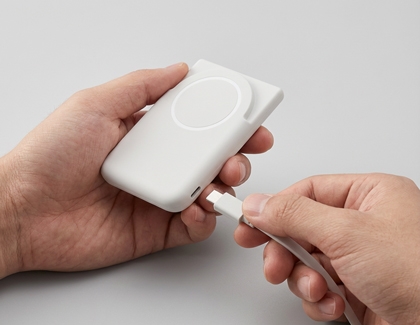

Magnet wireless charging battery pack (EB-U2500) issues
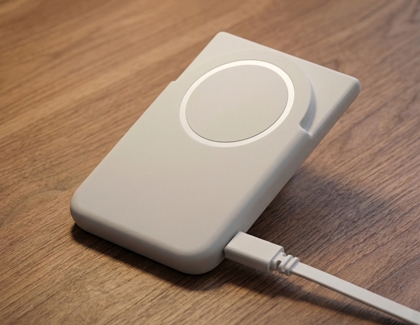
Charge the battery pack.
For the first use or after extended periods of inactivity, charge the battery pack before using it.

Troubleshoot charging issues.
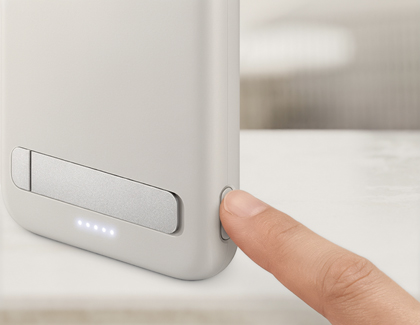
If your mobile device does not charge when connected, connect the battery pack to a charger. Then, press and hold the side button (Battery level check/Wireless charging standby/Reset button) for more than 7 seconds.
The battery pack will automatically detect your mobile device and start charging wirelessly.

Address blinking LED issues.
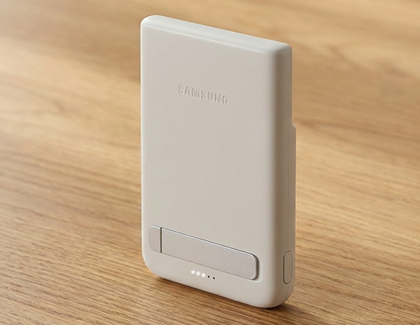
If only one battery status indicator LED is blinking, the connected mobile device may not charge properly. Fully charge the battery pack until at least one more LED is lit, then reconnect your mobile device to resume charging.

Reconnect the USB cable.
If the connected device is not charging, disconnect the USB cable from the battery pack and reconnect it. Or, press and hold the side button (Battery level check/Wireless charging standby/Reset button) for more than 7 seconds.