2024 Samsung OLED TV does not power on

If your 2024 Samsung OLED TV isn't turning on, it might be linked to an issue with the SMPS (Power Board) caused by an Active Block FET Control IC. This support article offers troubleshooting steps to help diagnose and resolve the problem.
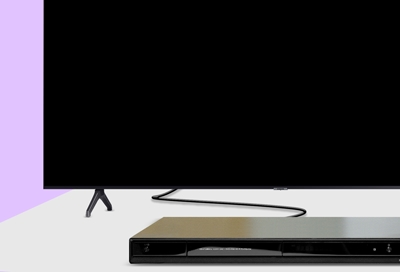
A 2024 Samsung OLED TV with a black screen sitting on a wooden media console in a living room.

2024 Samsung OLED TV does not power on

1

Check the AC cord.

Ensure the AC cord is securely plugged into both the TV and the wall outlet. Test with a different wall outlet to confirm the power supply.
2

Inspect power strip or extension cord.

If using a power strip or extension cord, test its functionality by connecting another device.
3

Check the LED status.

Press the Power button on the Smart remote control, and then observe the LED indicator on the TV.

Please visit the Samsung Support Center to schedule a repair service if you encounter the following issues: 

  • The LED remains off or does not blink when the Power button is pressed, indicating an SMPS-related issue.
  • The LED turns on and responds to the Power button press, but the display does not turn on.
Was this content helpful?
We're here for you

Contact Samsung Support

Contact us online through chat and get support from an expert on your computer, mobile device, or tablet. Support is also available on your mobile device through the Samsung Members App.