Screen flashes green on Galaxy A57 5G
If your Galaxy A57 5G screen briefly flashes green when you turn it on, updating your device to the latest software version can quickly resolve the issue.

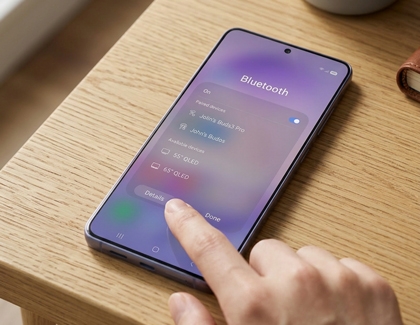
Open the Quick panel by swiping down from the top-right corner of the screen. Touch and hold the Bluetooth icon to enter Bluetooth settings, and then tap Details to access the details screen.
Using two fingers, swipe down from the top-right corner of the screen to expand the Quick panel. Tap the Power icon, then tap Restart. Confirm by tapping Restart again. Your phone will automatically restart.

Open Settings on your phone. Tap Software update, and then tap Check for new updates. Depending on the carriers, the option may appear as Download and install, Check for system updates, or Check for software updates. A patch is expected to address this issue. Install any available updates to ensure your device receives the latest improvements and fixes. If no update is currently available, check back later.


Select CONTINUE to visit HP's website.

