Microphone issues with Galaxy phone or tablet
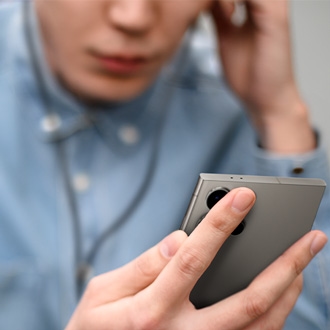
There are a few things that can cause issues with the microphone on your phone or tablet. For example, an external device such as headphones may be preventing the microphone from working. Other times, you may hear a crackling noise, or sounds may be unclear in your recordings if the microphone is having problems.