Galaxy phone or tablet Smart View or Screen Mirror issues
Smart View can be used with Galaxy phones and tablets running Android 4.3 or above and with devices that support Miracast wireless display technology. This technology is built into most newer Samsung smart TVs. However, your phone or tablet must be connected to the same network as your TV in order to use this function. If Smart View is not working, restarting or rebooting your device will usually solve the issue. Keep in mind that DRM-protected contents cannot be mirrored.
Galaxy phone or tablet Smart View or Screen Mirror issues
Recommended Articles
Samsung phone's display is not clear or has poor resolution
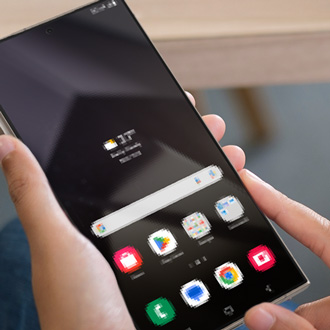
If your display appears blurry, seems to have low resolution, or if images look pixelated, you can follow the steps in our guide to find a solution. You can try checking your phone for liquid damage, cleaning the screen, adjusting the resolution, or restarting the phone in Safe mode.
Air Command is not working on Samsung Galaxy phone or tablet
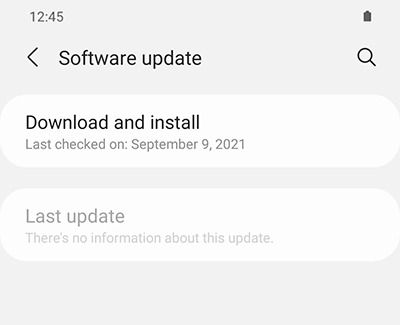
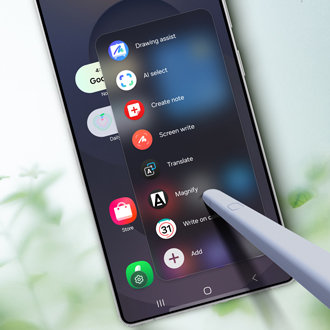
There are several possible reasons why the Air command shortcut menu may not display on your Galaxy phone or tablet. It can be the result of a physical issue, like damage to your S Pen, or an issue with your device's software. You can reboot the phone or tablet, perform a software update, or boot into Safe mode to solve the problem.
Issues with Camera app on Samsung phone or tablet
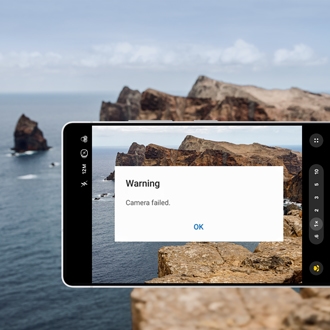
If your phone is displaying a "Camera Failed" message, freezing, lagging, or the preview is not working, the good news is that it's most likely a software issue and not a physical problem with the camera.
We're here for you
Contact Samsung Support
Contact us online through chat and get support from an expert on your computer, mobile device, or tablet. Support is also available on your mobile device through the Samsung Members App.