Using the TV Controller: NU8000
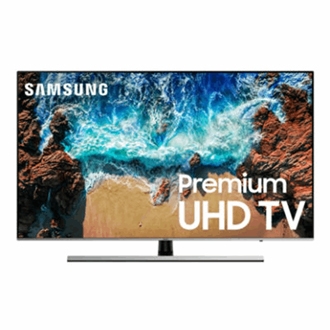
The TV controller is found at the bottom right corner.
Using the TV Controller: NU8000
Using the TV Controller
You can turn on the TV with the TV Controller button at the bottom of the TV, and then use the Control menu. The Control menu appears when the TV Controller is pressed while the TV is On. For more information about its usage, refer to the figure below.

Recommended Articles
We're here for you
Contact Samsung Support
Contact us online through chat and get support from an expert on your computer, mobile device or tablet. Support is also available on your mobile device through the Samsung Members App.



