Samsung Chromebook will not charge or power on
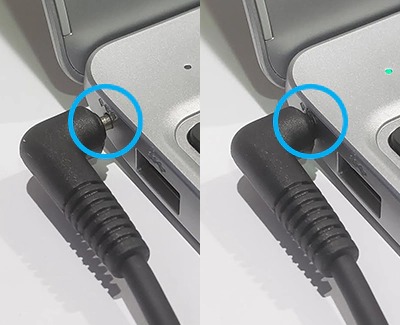
If your Chromebook does not turn on or does not charge properly, like if the LED is flashing or blinking, it may just be a problem with the wall outlet or the AC adapter. However, it may be necessary to enter recovery mode on your Chromebook. Use this guide to learn how to solve the issue.
Samsung Chromebook will not charge or power on
Recommended Articles
Create or format USB recovery media for your Samsung Chromebook
If your Chromebook's operating system (OS) isn't working properly, you can recover it. You will need to use a USB drive or SD card with at least 8GB of free space for your recovery media. However, once the recovery media has been created, the storage device can't be used normally until it has been formatted by the recovery utility.
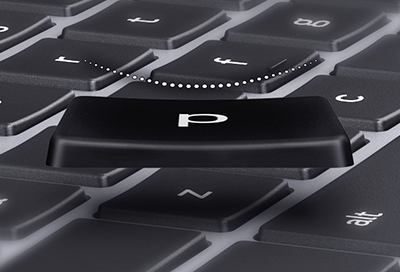
Samsung Chromebook key came off
If a key came off your Samsung Chromebook, don't panic. You can reinsert it as long as you have the key and there is no damage to it or the keyboard. Otherwise, you may need to contact our Support Center.
Samsung Chromebook is not powering on or charging
If your Chromebook does not turn on or does not charge properly, it may just be a problem with the wall outlet or the AC adapter. However, it may be necessary to enter recovery mode on your Chromebook. Use this guide to learn how to solve the issue.
We're here for you
Contact Samsung Support
Contact us online through chat and get support from an expert on your computer, mobile device or tablet. Support is also available on your mobile device through the Samsung Members App.