The fingerprint sensor on your Samsung Galaxy device may fail to recognize your fingerprint due to several factors, including screen protectors, wireless charging interference, finger conditions, or improper sensor placement. Below are common causes and solutions to help you troubleshoot the issue.
Screen protectors
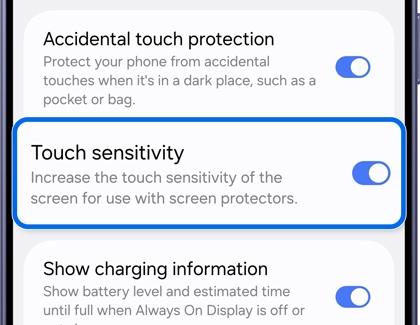
Thick or textured screen protectors, particularly third-party ones, can interfere with the fingerprint sensor's ability to read your fingerprint accurately. Ensure that the screen protector over the fingerprint sensor area is not scratched or damaged.
- Dust, dirt, or scratches on the screen protector may affect fingerprint recognition performance.
- Using a third-party screen protector that is not officially certified by Samsung may reduce fingerprint recognition accuracy, depending on its pattern (such as dots or grids), thickness, or material.
- Remove any screen protector or replace it with a thinner, compatible one. Continue to the next drop-down section in this guide to re-register your fingerprints after removing or replacing the protector.
Wireless charging interference
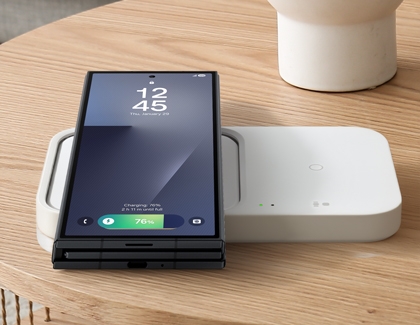
Electromagnetic waves emitted during wireless charging may affect the fingerprint recognition performance of your device.
- Disconnect your device from the wireless charger.
- Try using the fingerprint sensor again.
Finger conditions or improper sensor placement
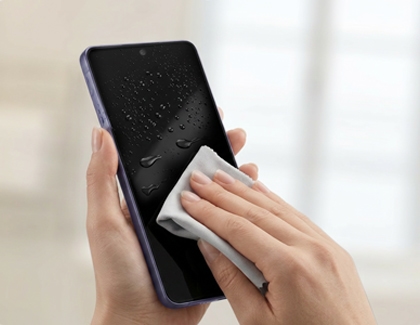
Fingerprint recognition can be affected by the condition of your fingers or the placement on the sensor. To improve accuracy, wipe the fingerprint sensor, moisturize your fingers if they are too dry, and ensure your fingertip fully covers the sensor area while pressing firmly.
Case 1. When your finger is too dry
If your finger is excessively dry, the sensor may have difficulty recognizing your fingerprint. Apply a small amount of hand lotion and try again, or press your finger more firmly on the sensor.
Case 2. When you remove your finger too quickly
If you lift your finger too quickly, the sensor may not have enough time to read your fingerprint. Try holding your finger on the sensor a little longer until the recognition is complete.
Case 3. When your finger is not placed correctly on the sensor
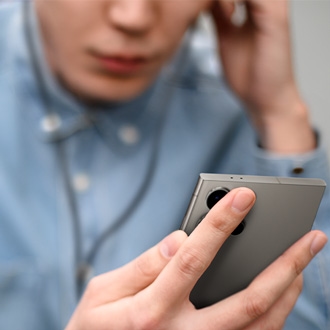
Incorrect placement may also cause failed recognition. Make sure your entire fingertip covers the fingerprint sensor area and try again.
Case 4. When the fingerprint does not match the stored data
If the shape or angle of your finger does not match the one registered on the device, try adjusting the angle of your finger or deleting and registering a new fingerprint for better accuracy.