Samsung Internet app is no longer auto-filling IDs and passwords

If your Samsung Internet app is no longer auto-filling your ID and password information from data you've saved in Samsung Pass, hiding the status bar may resolve the issue. As always, make sure your apps are up to date to fix potential glitches.

Samsung Internet app is no longer auto-filling IDs and passwords

1

Open Samsung Internet settings.

Tap the Menu icon (three horizontal lines) in the lower right corner, and then tap Settings.
2

Toggle on the Hide status bar option.

Tap Layout and menus, and then tap the switch next to Hide status bar.
3

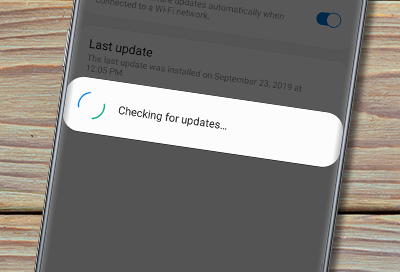
Check for app updates.

Make sure to check for app updates and install them. App updates are frequently released to resolve little bugs and glitches so installing app updates may also resolve the issue.
Was this content helpful?
We're here for you

Contact Samsung Support

Contact us online through chat and get support from an expert on your computer, mobile device or tablet. Support is also available on your mobile device through the Samsung Members App.
auto-contact_us-pc-2x auto-contact_us-pc-2x