Samsung phone or tablet reboots repeatedly
Sometimes apps can cause random or constant reboots to happen on your phone or tablet. Follow these steps to troubleshoot this issue. You can perform a software update, factory reset, or turn on Safe mode to determine if an app is causing the issue.
Samsung phone or tablet reboots repeatedly
Recommended Articles
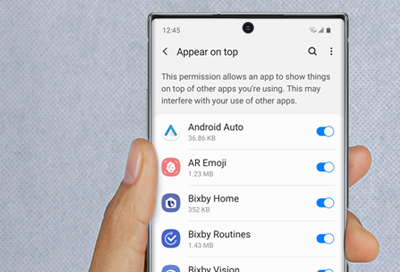
A Screen Overlay error appears on Samsung phone or tablet
Screen Overlay is a function that allows apps to appear on the top of other apps. For example, some messaging apps may cause a chat bubble to appear in front of an open app, such as a browser.
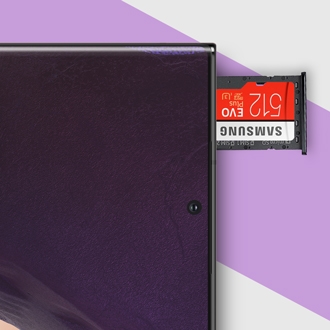
Issues with SD cards on Samsung phone or tablet
Using an SD card is a great way to expand and manage your storage. It's cost-effective, frees up internal memory, and is easily removable, so you can access the files using a PC. Most issues with the SD card can be solved with a few simple steps.
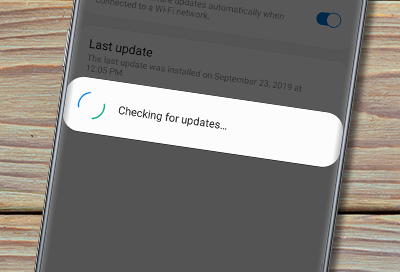
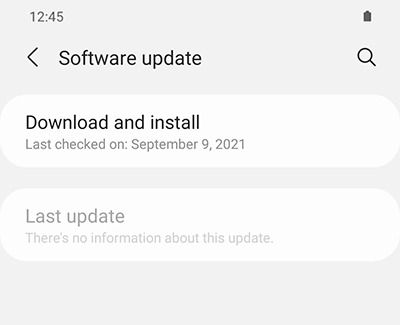
Software update failed on Galaxy phone or tablet
A software update can enhance the functionality, add new features and increase the security on your Galaxy phone or tablet. For the best experience it is highly recommended to keep your devices updated. If a software update doesn't install, or isn't available we can help.
We're here for you
Contact Samsung Support
Contact us online through chat and get support from an expert on your computer, mobile device, or tablet. Support is also available on your mobile device through the Samsung Members App.