Pairing your Bluetooth headphones will only take a few moments, and then you’ll be ready to listen to your favorite music.
- On your watch, navigate to Settings. Then, swipe to and tap Connections, and tap Bluetooth.
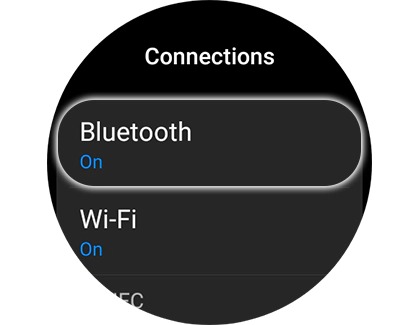
- Verify the switch for Bluetooth is turned on, and then make sure the headphones are in pairing mode.
- Tap Bluetooth audio or Bluetooth headset, and then select the desired Bluetooth headphones.
Note: On Wear OS watches, simply swipe up to see the available Bluetooth headphones that are available.
- Once they're paired, tap the Settings icon next to the Bluetooth headphones to enable Call audio and Media audio, or you can tap Unpair to unpair the headphones.
- You can also connect or disconnect the headphones using the Quick settings panel. Swipe down from the top of the watch's screen, and then tap the Bluetooth audio icon.
If you run in to any difficulty, be sure to have a look at our guide to fix connection issues between your headphones and watch.



