Samsung PC power button is not working properly or is broken
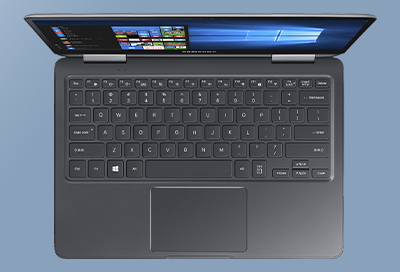
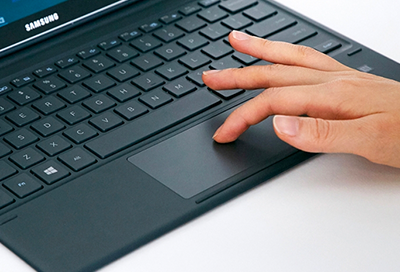
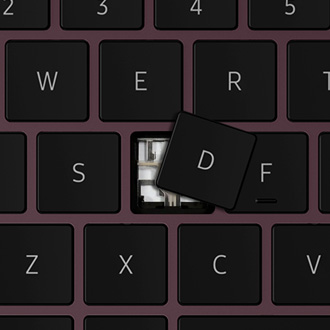
If the Power button doesn't work properly, make sure nothing is causing the Power button to stick. It may be necessary to clean the Power button or keyboard. You may wipe down the keyboard with a damp microfiber cloth, or use a compressed air canister for cleaning between the keys. Do not directly apply liquid cleaners to the PC and do not use hous