What to do if your Samsung PC battery does not fully charge
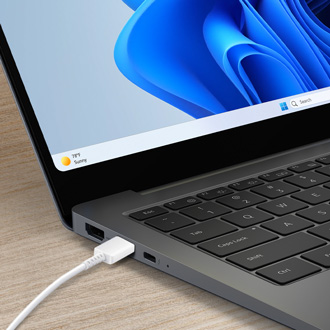
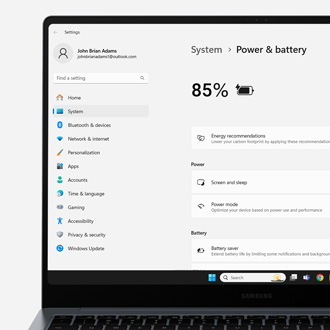
Laptop batteries will live longer if you don't charge them to 100%. For this reason, Samsung PCs include technology to limit the battery's maximum charge to 85% on purpose, so the battery will not fully charge. While we recommend leaving this feature on, it can be turned off if you'd prefer your battery to charge to 100%, such as before a long trip