No image or blank screen on your Samsung Chromebook
A blank screen on your Chromebook can be caused by a few issues, but fortunately there's usually an easy fix, such as restarting the Chromebook or performing a reset.


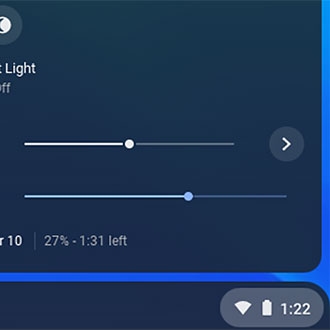
Restart your Chromebook by selecting the Taskbar icon in the bottom right corner, and then selecting the Power icon.
When the system powers off, wait 30 seconds, and then press the Power button to turn your Chromebook back on.

After the restart, navigate to and open Settings. Navigate to About Chrome OS, and then update the OS by selecting Check for updates. Follow the prompts and allow your Chromebook to update.
Select CONTINUE to visit HP's website.

