Samsung Chromebook will not charge or power on
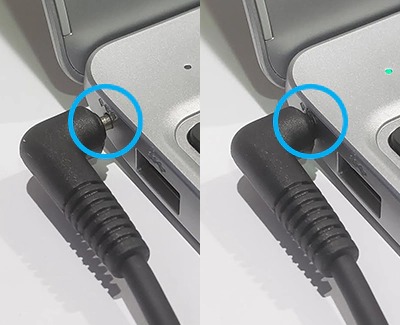
If your Chromebook does not turn on or does not charge properly, like if the LED is flashing or blinking, it may just be a problem with the wall outlet or the AC adapter. However, it may be necessary to enter recovery mode on your Chromebook. Use this guide to learn how to solve the issue.
Samsung Chromebook will not charge or power on
Recommended Articles
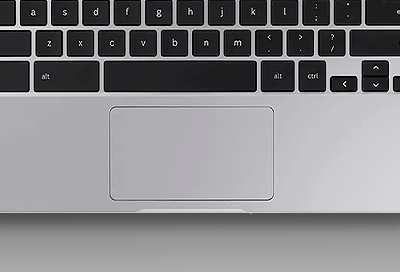
Touchpad issues on your Samsung Chromebook
Issues with touchpad responsiveness on your Samsung Chromebook can be caused by several factors, such as software and drivers that are in need of updates, or if there are any issues with your account. No matter what particular touchpad issue is occurring, there is an easy way to fix it in most cases.
Time is incorrect on Samsung Chromebook
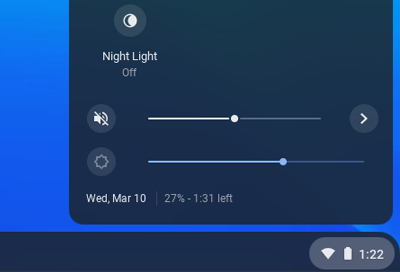
Your Chromebook automatically sets the time when its connected to the internet, and the clock settings are based on your geo-location. Your clock may be displaying the wrong time because the time zone is not set correctly or because you've traveled between locations.
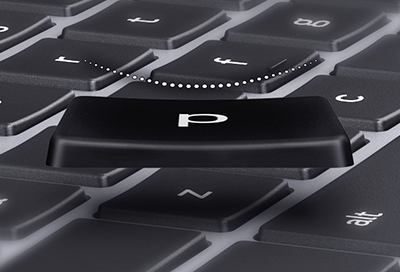
Samsung Chromebook key came off
If a key came off your Samsung Chromebook, don't panic. You can reinsert it as long as you have the key and there is no damage to it or the keyboard. Otherwise, you may need to contact our Support Center.
We're here for you
Contact Samsung Support
Contact us online through chat and get support from an expert on your computer, mobile device, or tablet. Support is also available on your mobile device through the Samsung Members App.