Removed card still shows in Samsung Pay
If you are trying to remove a payment card from Samsung Pay and the card continues to display in your card list, there are a couple things you can try, such as checking your internet connection.

If the card is still appearing, there may be a problem with the internet connection.
To remove a payment card, Samsung Pay requires an active internet connection. Make sure your phone is connected to Wi-Fi or a mobile data network. We recommend you restart your phone after re-establishing a Wi-Fi connection.
If you continue to experience problems with the app, you can contact Samsung Pay to help correct the issue.
First, open Samsung Pay on your phone. Tap Menu, and then tap Help. To send an email inquiry, tap Contact us.
You can also call +1 844-SAM-PAYS (726-7297).
If you want to cancel the physical version of the card, you will need to contact the card's issuer.
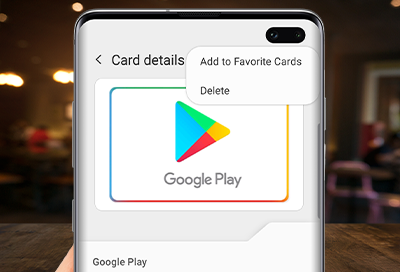
Deleting a card will only remove the payment information, including the digital card number, from the phone. Your physical card will remain active unless you ask the card issuer to cancel it.


Select CONTINUE to visit HP's website.



