64-bit app won't install on my Galaxy Book S
If you are trying to install or use an app from outside the Microsoft Store on your Galaxy Book S and it doesn't work, it's very likely that the app is not compatible with the special processor in the Galaxy Book S. Apps will need to support either 64-bit ARM or 32-bit x86 processors to work on the Galaxy Book S.
64-bit app won't install on my Galaxy Book S
Your Galaxy Book S contains a 64-bit ARM processor, and emulates a 32-bit x86 processor. This means that apps, games, and hardware drivers intended for use with x64 processors are not compatible. The Galaxy Book S is compatible with a wide range of apps designed for use with 32-bit x86 processors, and many developers may offer versions of their apps that are compatible.
When installing an app, look for a 32-bit version instead if the app’s developer provides one. Otherwise, contact the developer of the app to request information about support for 64-bit ARM, or check the Microsoft store for a similar app.
Recommended Articles
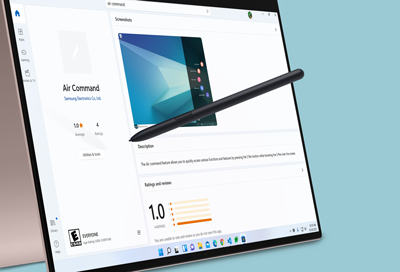
Issues with Air Command on Samsung Notebook
If you are having issues using or launching Air Command on your Samsung Notebook, it most likely means your PC is missing a program required to run it. It's also possible that there is a program installed that is preventing Samsung's software service from running.
Samsung PC will not turn on or charge at all
If your Samsung PC will not turn on or show any indication of charging, don't worry, there are some methods you can try to fix the problem. You should check that you have a good power outlet and that any external monitors are properly connected, powered on, and on the correct source.
What to do if your Samsung PC battery does not fully charge
Laptop batteries will live longer if you don't charge them to 100%. For this reason, Samsung PCs include technology to limit the battery's maximum charge to 85% on purpose, so the battery will not fully charge. While we recommend leaving this feature on, it can be turned off if you'd prefer your battery to charge to 100%, such as before a long trip
We're here for you
Contact Samsung Support
Contact us online through chat and get support from an expert on your computer, mobile device or tablet. Support is also available on your mobile device through the Samsung Members App.