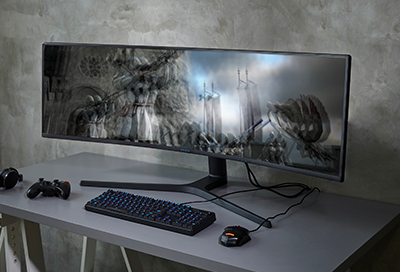
Image is distorted, ghosted, or flickering on my Samsung monitor
A flickering, flashing, or blinking monitor or Odyssey Ark Gaming Screen is often caused by a loose or damaged cable, a faulty power source, nearby appliances with a high current, out-of-date drivers, or the refresh rate setting on your computer. You can try fixing your flickering monitor by checking for these potential issues and by making sure you have the latest software updates.
Image is distorted, ghosted, or flickering on my Samsung monitor
Recommended Articles
Samsung monitor's image is distorted, ghosted, or flickering
A flickering, flashing, or blinking monitor or Odyssey Ark Gaming Screen is often caused by a loose or damaged cable, a faulty power source, nearby appliances with a high current, out-of-date drivers, or the refresh rate setting on your computer. You can try fixing your flickering monitor by checking for these potential issues, and by making sure y

Samsung monitor turns off or on by itself
Your monitor should only turn on and off when you want it to, and not on its own. When this happens, there usually isn't anything wrong with the monitor itself. A defective power cord or outlet is the most likely culprit.
Samsung monitor powers off or on by itself
Your monitor should only turn on and off when you want it to, and not on its own. When this happens, there usually isn't anything wrong with the monitor itself. A defective power cord or outlet is the most likely culprit.
We're here for you
Contact Samsung Support
Contact us online through chat and get support from an expert on your computer, mobile device, or tablet. Support is also available on your mobile device through the Samsung Members App.