Complete Gaming, 4K & Smart Monitor Range

Filters
Filters

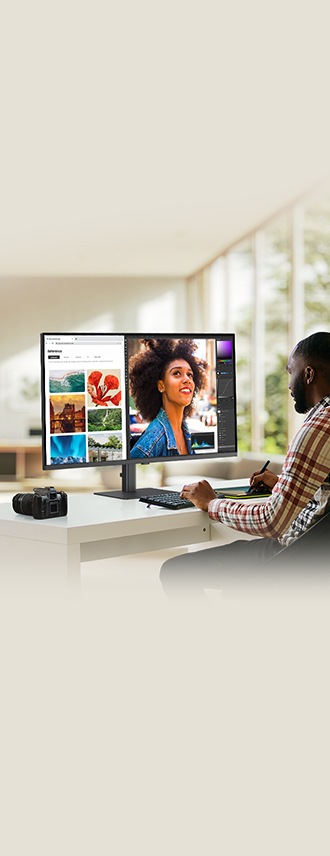

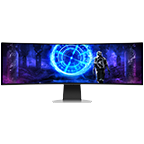
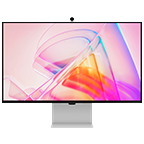
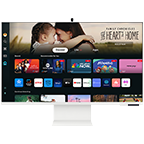
Samsung's monitor range is built to match the way you work, create and play. The Odyssey gaming range delivers high refresh rates, curved displays and lag-free action for every type of gamer. ViewFinity high resolution monitors bring professional-grade colour accuracy and ergonomic comfort to designers and creative professionals. Smart Monitors bridge the gap between TV and PC, offering a versatile all-in-one display for work, streaming and everything in between. Rounding out the range, Essential Monitors deliver consistent performance for everyday home and office tasks. From gaming and creative work to productivity and entertainment, Samsung's monitor range has the right screen for every setup.
-
What are the benefits of using an Ultra-Wide Samsung monitor?Samsung Ultra-Wide monitors give you a significantly wider field of view than a standard monitor, making them ideal for multitasking across several windows side by side. Some models also support Picture-by-Picture, letting you view two separate devices on one screen at once. This extra screen real estate is especially useful for productivity tasks like spreadsheets and video editing, as well as for immersive gaming that fills more of your natural field of vision.
-
How do I choose the best gaming monitor for my PC?When choosing a Samsung gaming monitor, look at the refresh rate, ideally 120Hz or higher, for smoother motion during fast-paced gameplay. Response time is also important, with a lower response time reducing motion blur, and adaptive sync technology like FreeSync helps prevent screen tearing. Samsung's Odyssey range is built specifically around these gaming-focused features, so it's a good starting point when comparing models.
-
What size Samsung monitor is best for home office use?A 27 inch Samsung monitor is often the sweet spot for home office use, giving you enough screen space for day-to-day tasks like emails, documents, and video calls without feeling too large for a typical desk. If your work involves detailed visual tasks like design or data analysis, a larger high-resolution monitor from Samsung's ViewFinity range may suit you better.
-
What features should I look for in a PC monitor from Samsung?Look for a resolution of at least 1080p, with higher resolutions like 4K UHD offering sharper detail for tasks like photo editing or design work. A fast response time helps keep visuals smooth, while connectivity options like HDMI and USB-C make it easy to connect multiple devices, including laptops that support single-cable charging and display through USB-C.
-
Are Samsung curved monitors better for work or gaming?Samsung curved monitors are well suited to both. The curved design wraps the screen slightly around your field of vision, which can reduce eye strain during long work sessions and adds a more immersive, cinematic feel during gaming. This makes curved monitors a good option whether you're focused on productivity or looking for a more engaging gaming setup.
* Key feature may different from Key Spec.
* Images are for illustration purposes only and the accessories are sold separately.
* Features and specifications are subject to change without prior notification and may vary per country, please check in store for more details.