Set up Hue Sync on your Samsung Smart TV
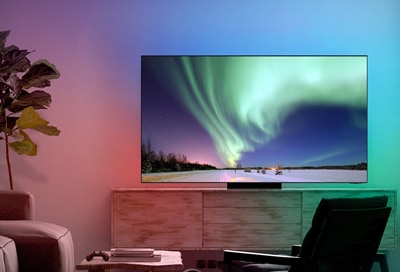
The Philips Hue Sync app on your Samsung Smart TV lets you enjoy seamless lighting experiences during your favorite programs. You can also use this feature with apps like Netflix and Disney+. This collaboration between Samsung and Philips Hue provides an exciting, immersive way to enjoy shows, movies, and games. The Philips Hue Sync app supports all image formats, such as 8K, 4K, and HDR 10+.
Note: Service availability is subject to change. Visit the Philips Hue website for more information.
General information
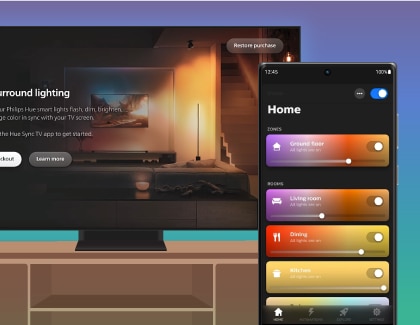
You will need the following to use Hue Sync:
- A 2022 or newer Samsung Smart TV
- The Philips Hue Sync mobile app
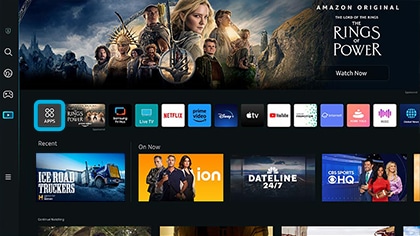
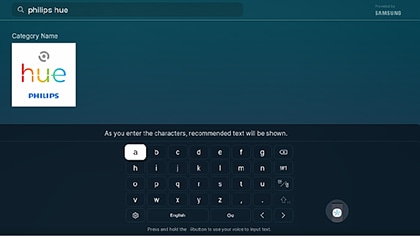
- The Philips Hue Sync TV app
- A Philips Hue account
- A Philips Hue Bridge
- Philips Hue color compatible lights
Compatible models
Supported TV models by year:
- 2021 and prior: Not available
- 2022: Q60B and above
- 2023: Q60C and above
- 2024: Q60D and above
- 2025: Q7F and above
- 2026: U9000H and above (excluding M70H)
Supported Smart Monitor models by year:
- 2021 and prior: Not available
- 2022: M80B, G65B, G70B, G85SB, G97NB
- 2023: M80C, M70C, S90PC, G70NC, G95SC, G97NC
- 2024: M80D, G70D, G80SD, G85SD, G95SD
- 2025: M70F, M80F, M90SF
- 2026: Not available
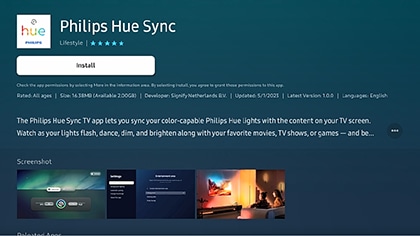
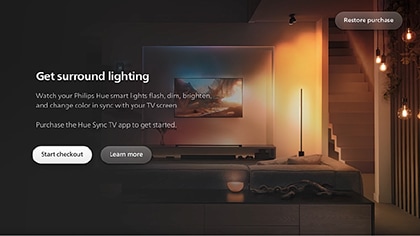
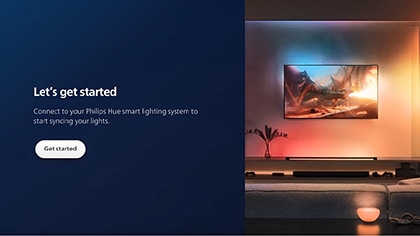
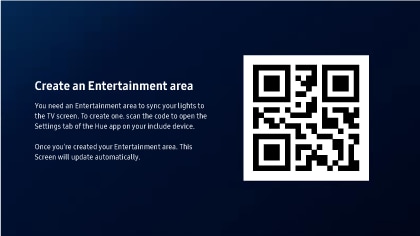
Note:
- Make sure the Philips Hue Sync mobile app was installed on your mobile device prior to scanning the QR code.
- Make sure that your mobile device is connected to the same Wi-Fi network as your Philips Hue Bridge.
- Make sure Bluetooth is enabled on your mobile device.
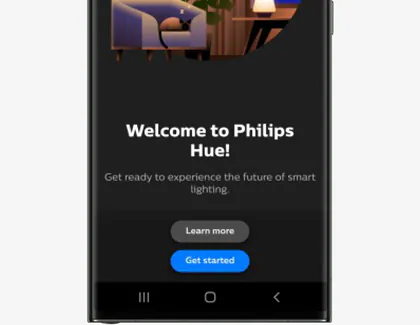
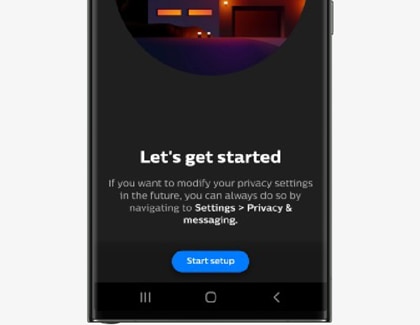
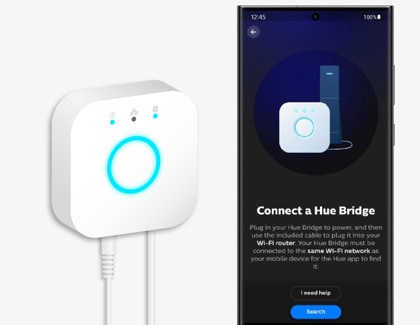
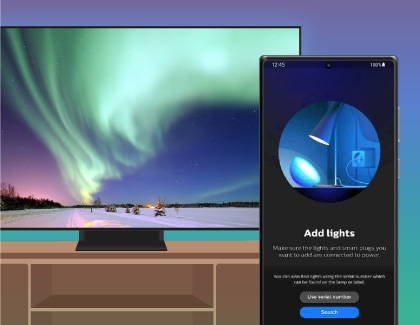
Note: You can customize the name of the lights by tapping Start configuration, entering a name, and then tapping Save.
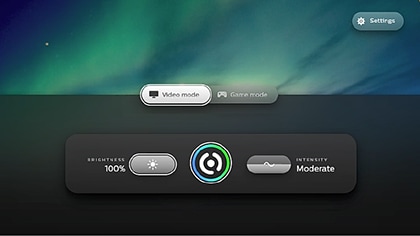
Note: If the screen on your Smart TV is not updated automatically or showing the Philips Hue dashboard, close the Philips Hue Sync TV app and open it again.

Thank you for your feedback!
Please answer all questions.
RC01_Static Content : Hide call number function