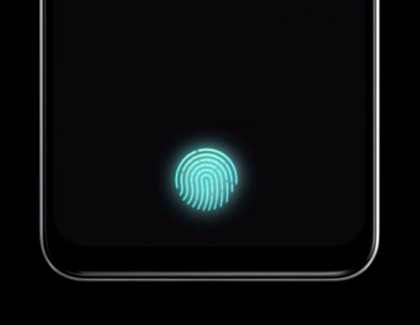
Fingerprint not recognized with a screen protector on the Galaxy S26

If fingerprint recognition on your Galaxy S26 indicates a mismatch or has low accuracy after attaching a screen protector, this guide provides a solution. The issue may occur due to changes in the fingerprint recognition area. Use the 'Improve accuracy' feature to enhance performance.

Fingerprint not recognized with a screen protector on the Galaxy S26

Note
Fingerprint recognition may be affected by screen protectors or changes in the recognition area. For best results, consider using a compatible screen protector designed for your device.

Use the Improve accuracy feature:

  1. Go to Settings > Security and privacy > Screen lock and biometrics, and then enter your current PIN, password, or pattern.
  2. Tap Fingerprints, select the registered fingerprint, and then tap Improve accuracy from the menu.
  3. Using the same finger you registered during fingerprint setup, scan it 10 times to improve accuracy.

Was this content helpful?
We're here for you

Contact Samsung Support

Contact us online through chat and get support from an expert on your computer, mobile device or tablet. Support is also available on your mobile device through the Samsung Members App.
auto-contact_us-pc-2x auto-contact_us-pc-2x