Fn key not working on Samsung PC
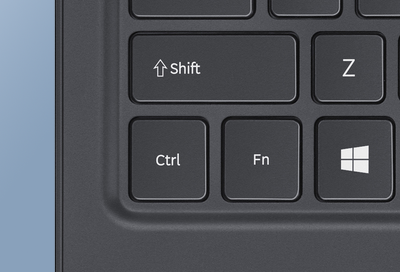
Pressing the Fn key turns the Function Keys into hotkeys (or shortcuts) for a number of system functions. For instance, Fn + F2 will darken your screen and Fn + F3 will brighten it. If the keys are not responding as expected, they can be easily fixed by adjusting the settings or checking for available updates.