
Samsung Chromebook will not charge or power on
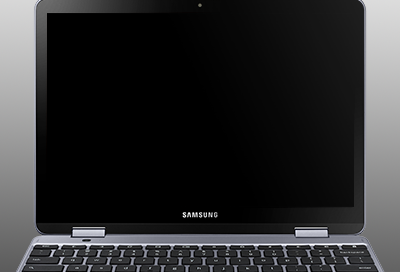
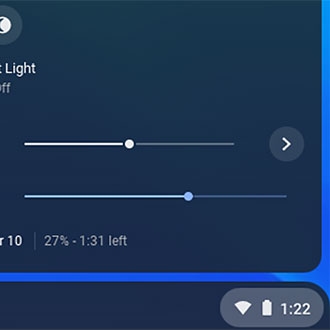
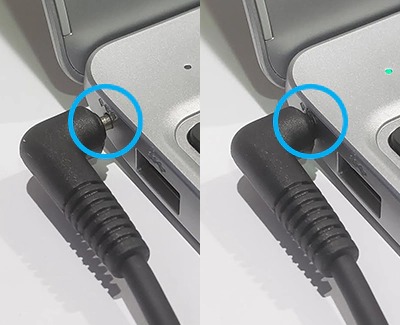
If your Chromebook does not turn on or does not charge properly, like if the LED is flashing or blinking, it may just be a problem with the wall outlet or the AC adapter. However, it may be necessary to enter recovery mode on your Chromebook. Use this guide to learn how to solve the issue.
Samsung Chromebook will not charge or power on
Recommended Articles
No image or blank screen on your Samsung Chromebook
A blank screen on your Chromebook can be caused by a few issues, but fortunately there's usually an easy fix, such as restarting the Chromebook or performing a reset.
Chrome OS missing or damaged error on Samsung Chromebook
If you receive a "Chrome OS is missing or damaged" message on your Chromebook, some kind of error is occurring with the operating system (OS). It may be necessary to recover the Chrome OS. Other times, this problem may also require service.
Troubleshoot Android apps on Samsung Chromebook
If an Android app is causing you trouble or will not work, troubleshoot the problem one step at a time. There are several factors that might be causing the problem.
We're here for you
Contact Samsung Support
Contact us online through chat and get support from an expert on your computer, mobile device or tablet. Support is also available on your mobile device through the Samsung Members App.