How do I use Child Lock on my Samsung refrigerator?
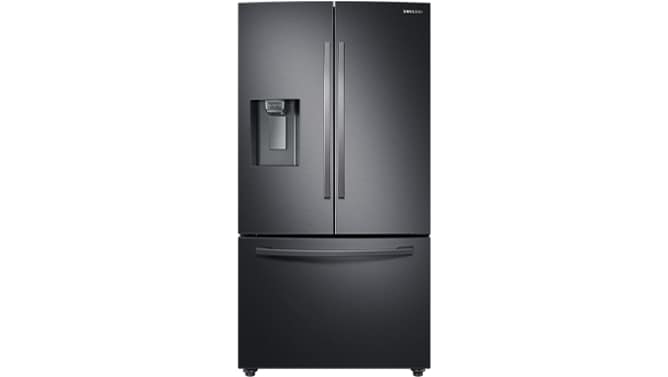
How to Enable or Disable Child Lock on Samsung Refrigerator
The child lock feature on Samsung refrigerators prevents unintended adjustments to the control panel, protecting your settings and ensuring the safety of your household. When enabled, the control panel becomes inaccessible, and certain functions like the ice dispenser may be temporarily disabled.
1. How to Turn On or Off the Child Lock
Follow these steps to enable or disable the child lock on your Samsung refrigerator:
- Locate the control panel on your refrigerator, typically found on the exterior door or top of the unit.
- Press and hold the Ice Maker Off button for approximately 3 seconds until you hear a chime, indicating the child lock has been activated or deactivated.
- Verify the status by attempting to adjust settings on the control panel. If the panel does not respond, the child lock is active.
2. Why Use the Child Lock Feature?
- Prevents accidental changes to temperature settings, preserving food freshness.
- Disables the ice dispenser to avoid potential misuse by children.
- Enhances overall safety by restricting access to sensitive controls.
3. Supported Samsung Refrigerator Models
The child lock feature is available on select Samsung refrigerator models, including but not limited to:
- French Door Refrigerators
- Side-by-Side Refrigerators
- Top/Bottom Freezer Refrigerators
For model-specific instructions, consult your user manual or visit the Samsung Support website.
4. Additional Things to Check
If the child lock does not respond as expected, consider the following:
- Ensure the refrigerator is powered on and the control panel is functioning correctly.
- Verify that the Ice Maker Off button is pressed for the full 3 seconds.
- Check for any error messages or indicators on the control panel that may suggest a malfunction.
5. Related Samsung Support Topics
Thank you for your feedback!
Please answer all questions.