How to Activate Bixby Voice
 Please Note: The information on this page is for Australian products only. Models, sequences or settings will vary depending on location and/or where the product had been purchased. To be redirected to your local support page please click here.
Bixby can carry out a lot of the tasks you do on your Samsung Galaxy devices. The first step to get started is knowing how to activate Bixby Voice on your phone.
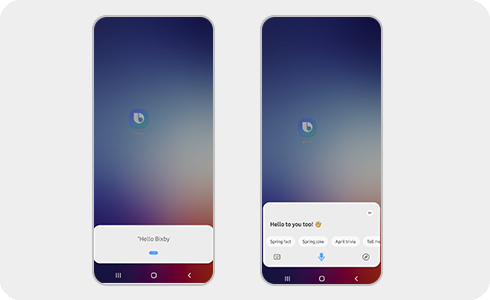
Bixby Voice can be activated via a long press on the side button of your device. You can also activate Bixby Voice by following the next steps:
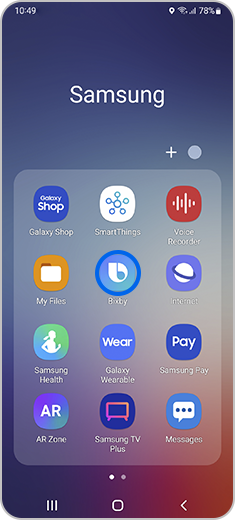
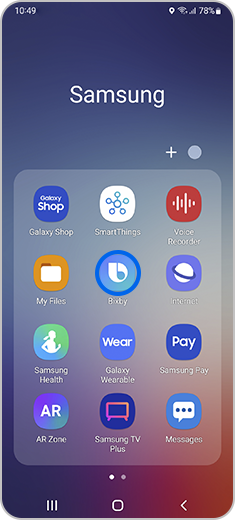
Step 1. Click the “Bixby” app icon in the Samsung folder.


Step 2. Click the “Start” button.
Please note: You must be logged into your Samsung account before you can activate Bixby Voice.
You can delete your Bixby Voice account at any time. Once your account is deleted, you will not be able to access Bixby Voice or use any of its features.


Thank you for your feedback!
Please answer all questions.
Contact Info
Contact us
WhatsApp
![]()
![]()

