Activating Ai Auto Mode on a Samsung Air Conditioner
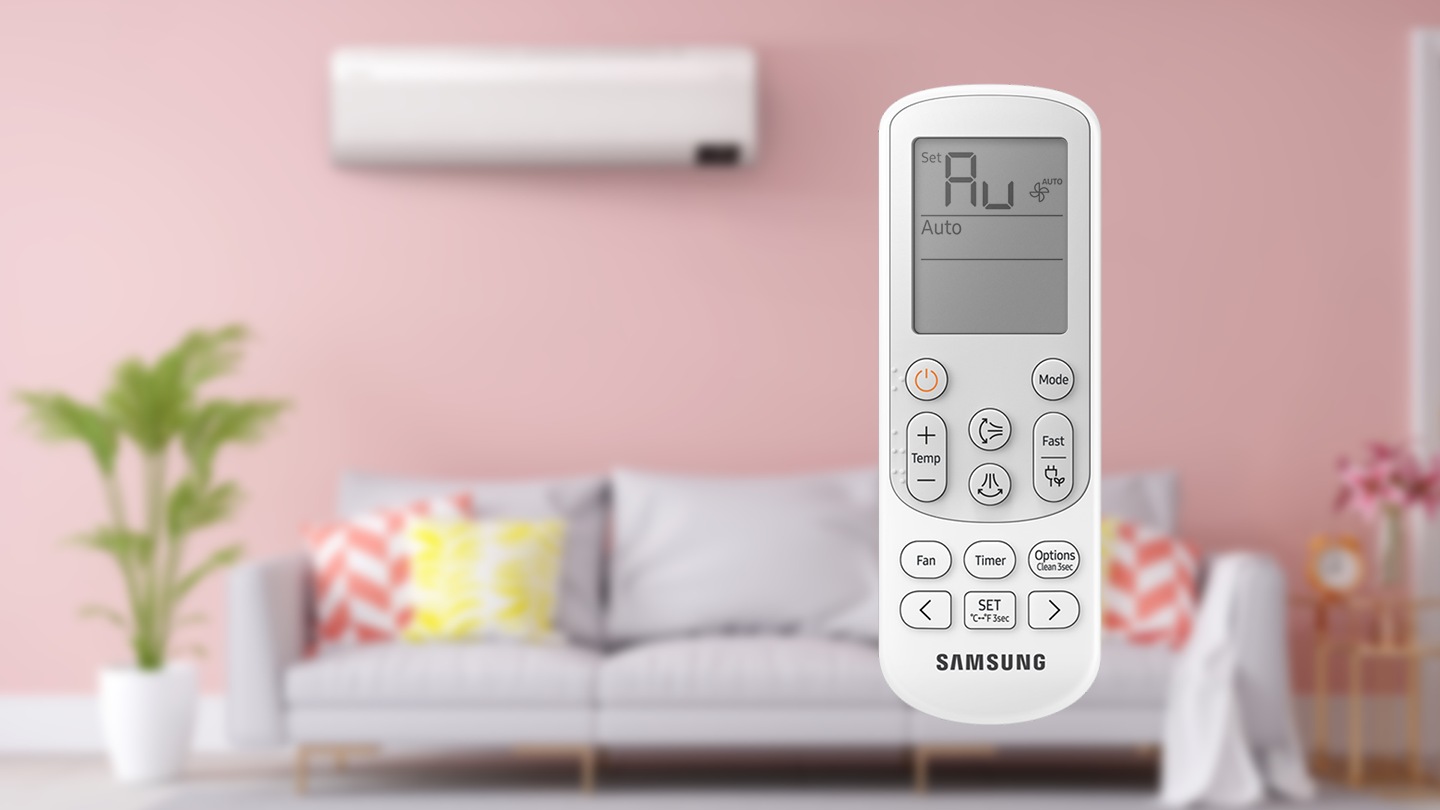
AI Auto mode is a Power Smart Feature that automatically operates any of the Cool, Dry, Heat, and WindFree Cooling modes depending on the learned user patterns gathered from an external server via Wi-Fi module.
The favourite temperature and operation mode are also set based on the current temperatures (indoor/outdoor) and the gathered user patterns.
To learn more about AC modes and how to use the remote, Click Here.


Setting AI Auto Mode with the AC Remote
Step 1
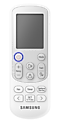

Power on  the Air Conditioner.
Step 2
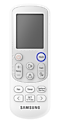

Press the Mode button on the remote control.
Step 3
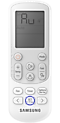

Choose the Auto option by pressing the Mode button until Au is displayed, and then hit the Set button.
Setting AI Auto Mode with SmartThings


Step 2
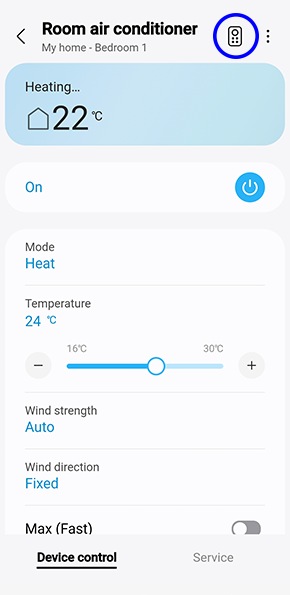
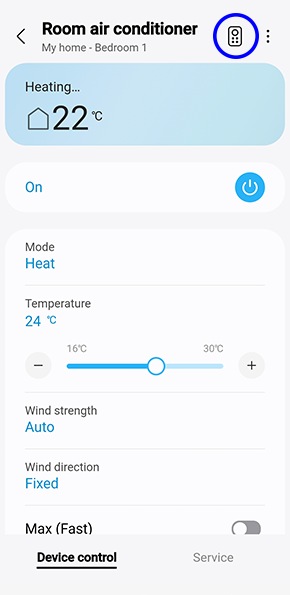
Tap the 'remote control' button on the top left corner.
Step 3
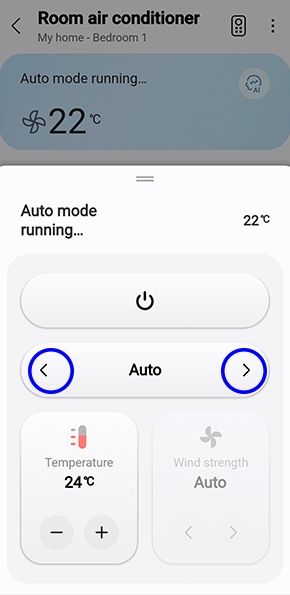
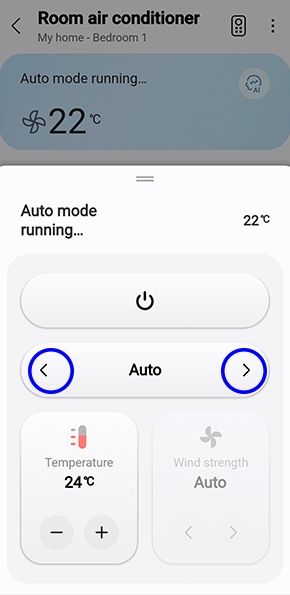
Use the arrows to navigate to Auto mode.
Note: Settings may vary by phone and software version. Ensure your app is updated and the AC is on before starting.
If not connected to Wi-Fi
The air conditioner automatically switches to Cool, Dry, or Heat mode, depending on the temperature and humidity of the room. Optimum mode, appropriate for the current air quality of the room, operates automatically to quickly provide pleasant air.
Fan speed is automatically adjusted depending on the temperature and humidity of the room.
Things to Note:
You can only use this mode after Wi-Fi is connected. Otherwise, Auto mode is activated.
In AI Auto mode, the AI Auto and Wi-Fi indicators appear on the display of the indoor unit.
If the gathered user patterns are not sufficient, the set temperature is set based on the user's activity time and indoor/outdoor temperatures.
The set temperature is controlled within the range of 22 ℃ to 28℃ in AI Auto mode. You can also change it manually.
An automatically changed set temperature is shown on the display of the indoor unit.
When you press Mode in AI Auto mode, the mode is cancelled.
If you change the set temperature in AI Auto mode, it automatically changes back to the AI comfort temperature after 1 hour.
For further assistance, please contact our Chat Support team. To find your Samsung product's User Manual, head to Manuals & Downloads.

Thank you for your feedback!
Please answer all questions.
Contact Info
Contact us
WhatsApp
![]()
![]()

