Add Brief widgets to your Samsung Galaxy lock screen
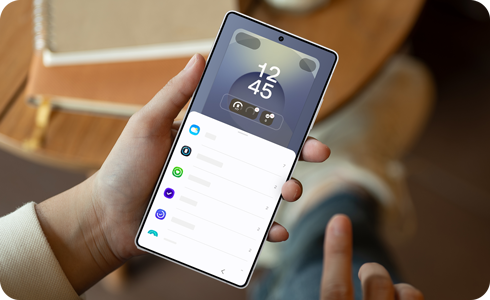
Brief widgets let you view useful information and quickly access certain apps directly from your Samsung Galaxy lock screen. You can choose which widgets to display and select from the available styles to personalize your lock screen.
Note:
- The features included in Lock screen widgets have been incorporated in Brief widgets, and the FaceWidget feature has been simplified.
- Some apps added to the lock screen may use their features differently.
- The apps supported by the Brief widget feature may vary over time, as they can be added, removed, or updated.
Each app that is supported by the Brief widgets feature has several style options to choose from. This lets you customise how the information is displayed on your lock screen.


Step 1. Open Settings > Tap Wallpaper and style.


Step 2. Select the current lock screen.


Step 3. Tap Add widgets.
Note: You can also press and hold the lock screen to open the Lock screen settings.


Step 4. Tap the desired Brief widget to view the style options.


Step 5. Select the preferred widget style.
* Tap the minus icon to remove a widget.


Step 6. Tap Done to apply the changes to your lock screen.
Note: The widget icon may appear differently depending on the software version.

Thank you for your feedback!
Please answer all questions.
RC01_Static Content : Hide call number function