Screen flashes green on Galaxy A57 5G
If your Galaxy A57 5G screen briefly flashes green when you turn it on, updating your device to the latest software version can quickly resolve the issue.

Your device may be frozen due to a temporary software issue.
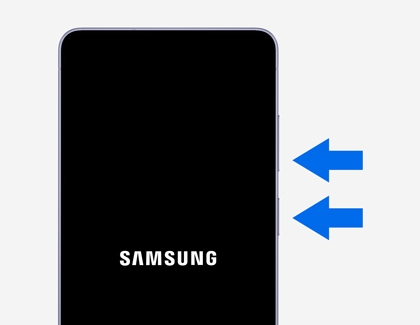
Press and hold the Power (Side) button and the Volume Down button at the same time for at least 7 seconds. The device will restart, and when the Samsung logo appears and the device vibrates, release the buttons.
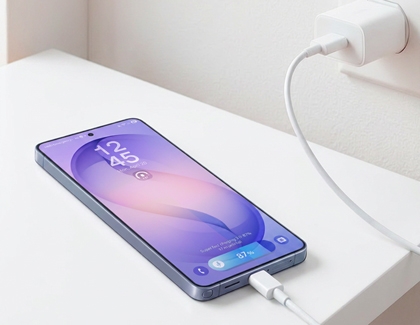
The battery may be fully discharged. Connect a Samsung-certified charger and cable.


Select CONTINUE to visit HP's website.

