How to factory reset the Samsung Jet Bot Combo
 Please Note: The information on this page is for Australian products only. Models, sequences or settings will vary depending on location and/or where the product had been purchased. To be redirected to your local support page please click here.
If your Samsung Jet Bot Combo is not working properly, you can try performing a factory reset. This will return the Jet Bot Combo to its factory defaults and remove any issues that may be occurring.
Please be advised this information is only for the Jet Bot Combo. For information regarding other robotic vacuum models, please consult your User Manual or Support Chat for help.

Soft Resetting the Jet Bot Combo
Follow the instructions below to reset your Samsung Jet Bot Combo.

 and Recharging
  buttons will blink white, and the factory reset process will begin.
Resetting to Factory Default
Follow these steps to reset the Jet Bot Combo to it's factory settings.
and Recharging buttons simultaneously for 7 seconds.The buttons will blink in white and the factory default reset process will begin.
When the setting is complete, the Jet Bot Combo restarts automatically.
Reconnecting your Jet Bot Combo to the SmartThings App
Step 1
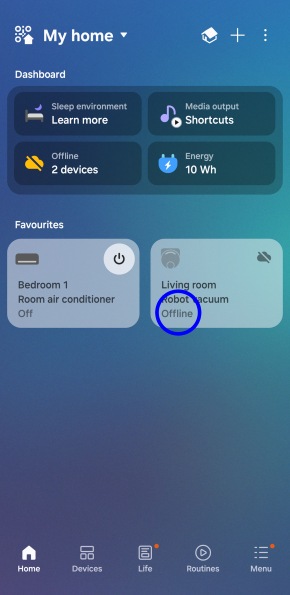
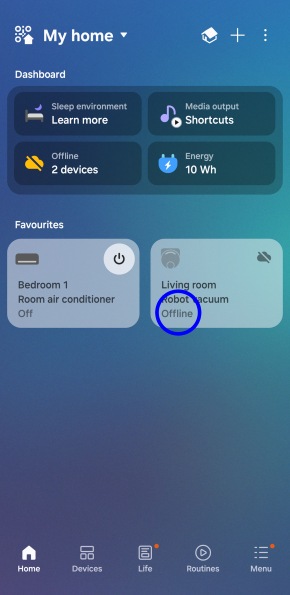
Once the reset is complete, Jet Bot Combo will appear Offline in the SmartThings app.
Step 2


Select the Robot vacuum from the home screen on your SmartThings app.
Step 3


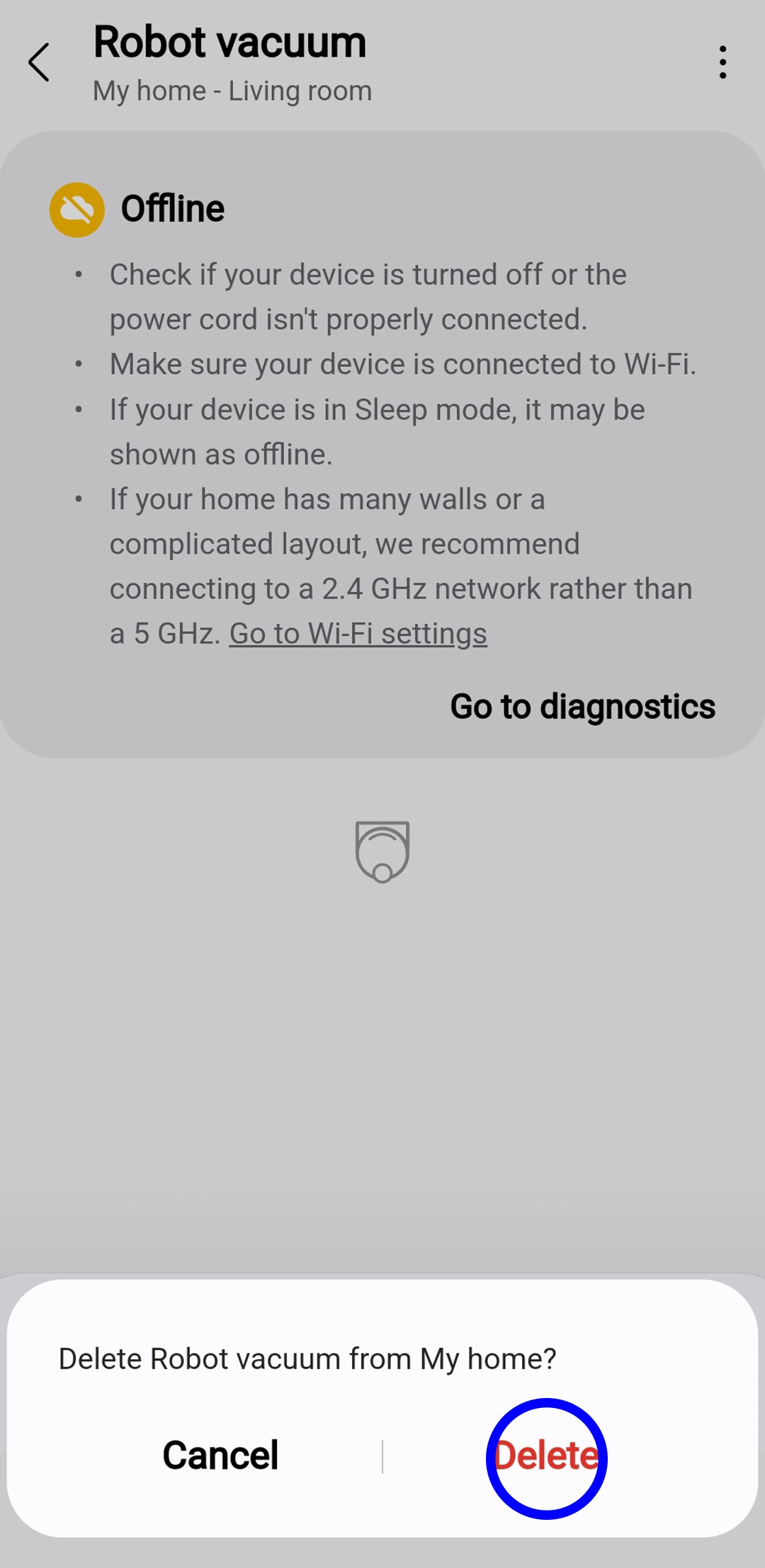
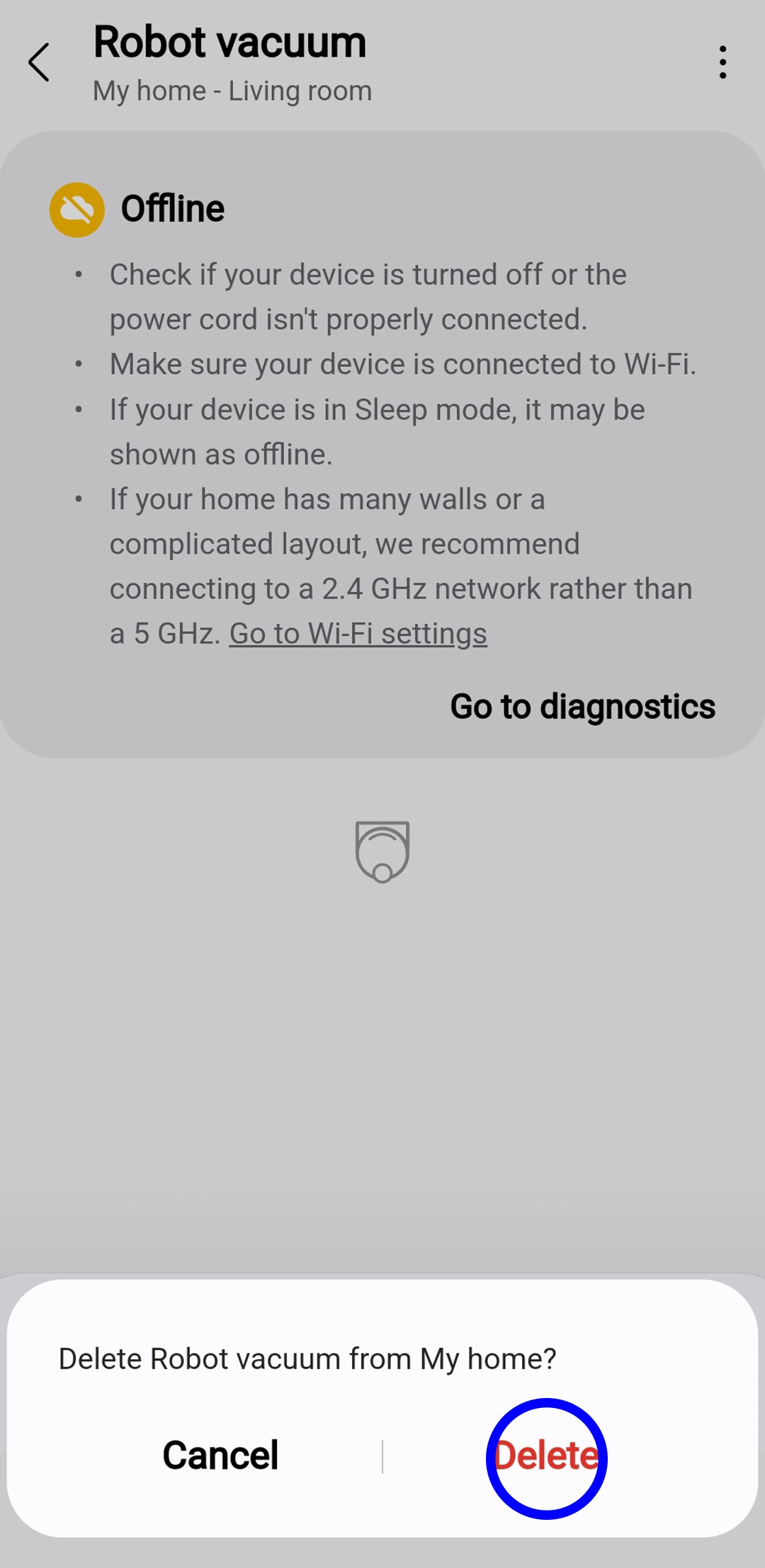
Select the 3 dots from the top right corner and select Remove device from the drop-down menu.
For further assistance, please contact our Chat Support team. To find your Samsung product's User Manual, head to Manuals & Downloads.
Get to know
your Appliances
Check out our useful guides and learn more about what you can do with your Home Appliances.


Thank you for your feedback!
Please answer all questions.
Contact Info
Contact us
WhatsApp
![]()
![]()

