Tips on Setting Up your Samsung Fridge
 Please Note: The information on this page is for Australian products only. Models, sequences, error codes or settings will vary depending on location and/or where the product had been purchased. To be redirected to your local support page please click here.
Need some tips on setting up your new Samsung refrigerator to ensure optimal operation? Follow the recommendations below on installing, levelling and adjusting your fridge settings.
You can also check out our guide to Setting Up the Water Tank for a Non-Plumbed Refrigerator, or browse some FAQs about Bespoke Refrigerators.
Top 5 Tips on Setting up your Fridge
It is important to have sufficient space for your refrigerator, to prevent issues such as overheating. The refrigerator must be placed in a location where it can release its heat. If the refrigerator is blocked, it may prevent it from functioning properly. There should be a minimum of 10cm at the rear and sides, and 5cm at the top.
If the refrigerator is not levelled correctly, it can prevent it from operating properly. You can use a level tool to check this, and adjust the screws of the feet located at the bottom front of the refrigerator if needed.

We recommend using a vacuum cleaner to clean the back of the refrigerator at least once or twice a year. If dust accumulates, it can cause the formation of ice or the presence of moisture in the refrigerator and/or freezer compartment and increase operating noise.

It is strongly recommended that you do not place any products against these openings as moisture may appear under the vegetable drawers or ice may form on the rear wall. It must be kept clear at all times.
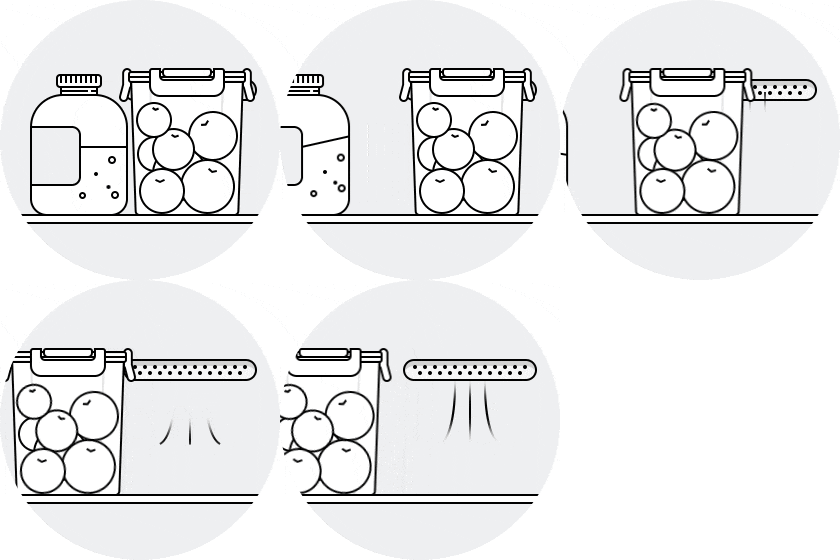
Ensure vacation mode is disabled (if applicable to your model), and check the temperature settings after initial installation - you can refer to your user manual for further information.

For further assistance, please contact our Chat Support. To find your Samsung product's User Manual, head to Manuals & Downloads.
Need More Help?
Contact Info
Contact us
WhatsApp
![]()
![]()


