How to download and install software for Galaxy AI features
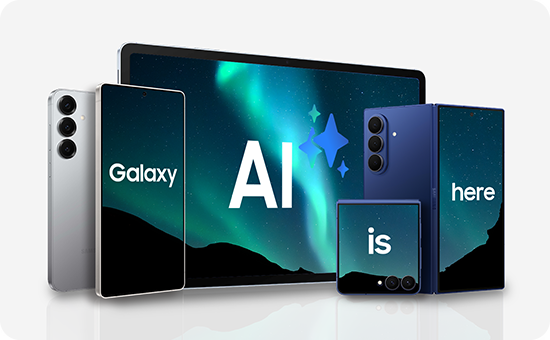
The way you communicate, create and stay productive are being transformed by the revolutionary Galaxy AI features, such as Circle to Search for instant web searches on any image, Note Assist for summarising and formatting notes and Live Translate for real-time call and text translation. These features are now readily available on the following devices:
- Galaxy Z Flip7, Z Flip7 FE, Z Flip6, Z Flip5
- Galaxy S22 Ultra, S22+, S22
- Galaxy Tab S11 Ultra, Tab S11
- Galaxy Tab S10 Ultra, Tab S10+, Tab S10 Lite, Tab S10 FE+, Tab S10 FE
- Galaxy Tab S9 Ultra, Tab S9+, Tab S9
- Galaxy Tab S8 Ultra, Tab S8+ and Tab S8.
Update your software
To get the Galaxy AI features, make sure your device's software is updated to the latest version (One UI 8 ). You may receive a pop-up on your phone prompting you to download and install the update or you can update your mobile device's software manually by following these steps:


Step 1. Go to Settings > Software update


Step 2. Tap on Download and install


Step 3. Tap Install now and follow the on-screen instructions
Please note: Functions may vary by model/region.
How to use the Galaxy AI features
Circle to Search


Live Translate


Photo Assist


Please note: Live Translate is not available on the Tab S9 (Wi-Fi).
Writing Assist


Note Assist


Browsing Assist


Transcript Assist


Interpreter


Instant Slow-mo


Please note: Instant Slow-mo is not available on the S23 FE.
Thank you for your feedback!
Please answer all questions.