

Please scan the QR Code with your mobile device, and place the product image in desired place.
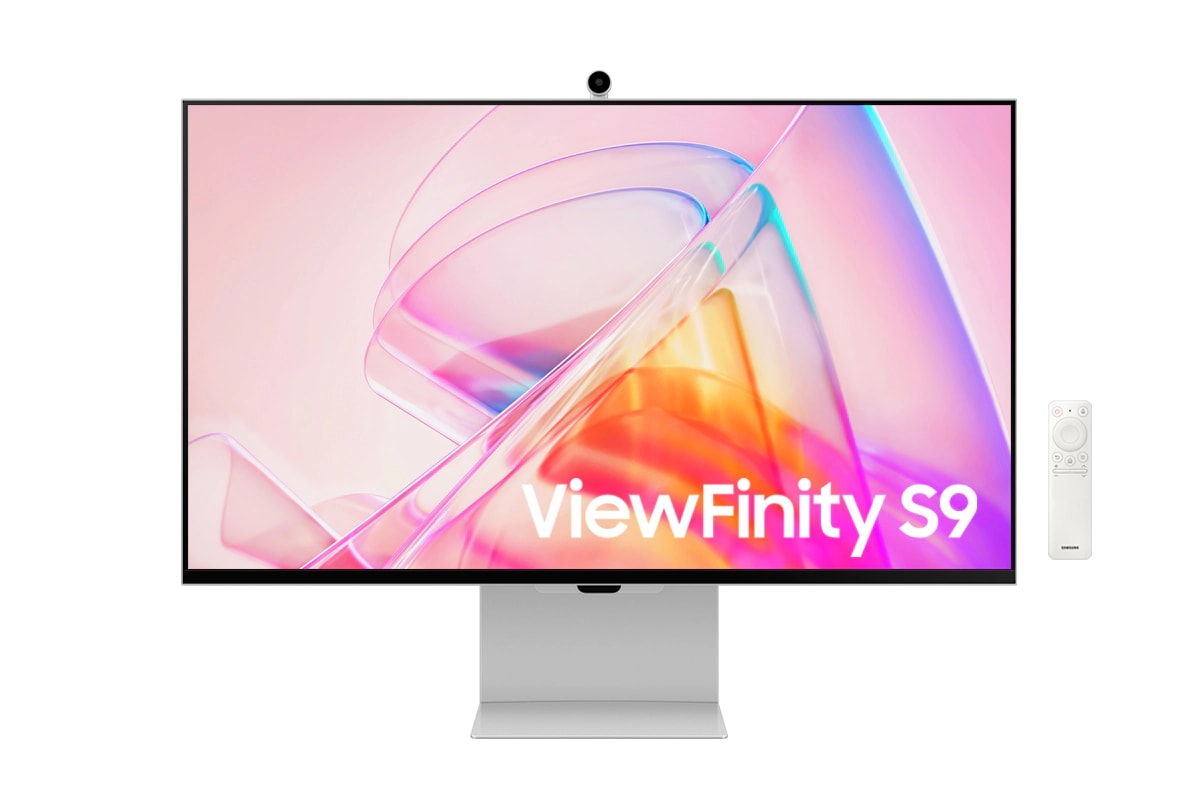
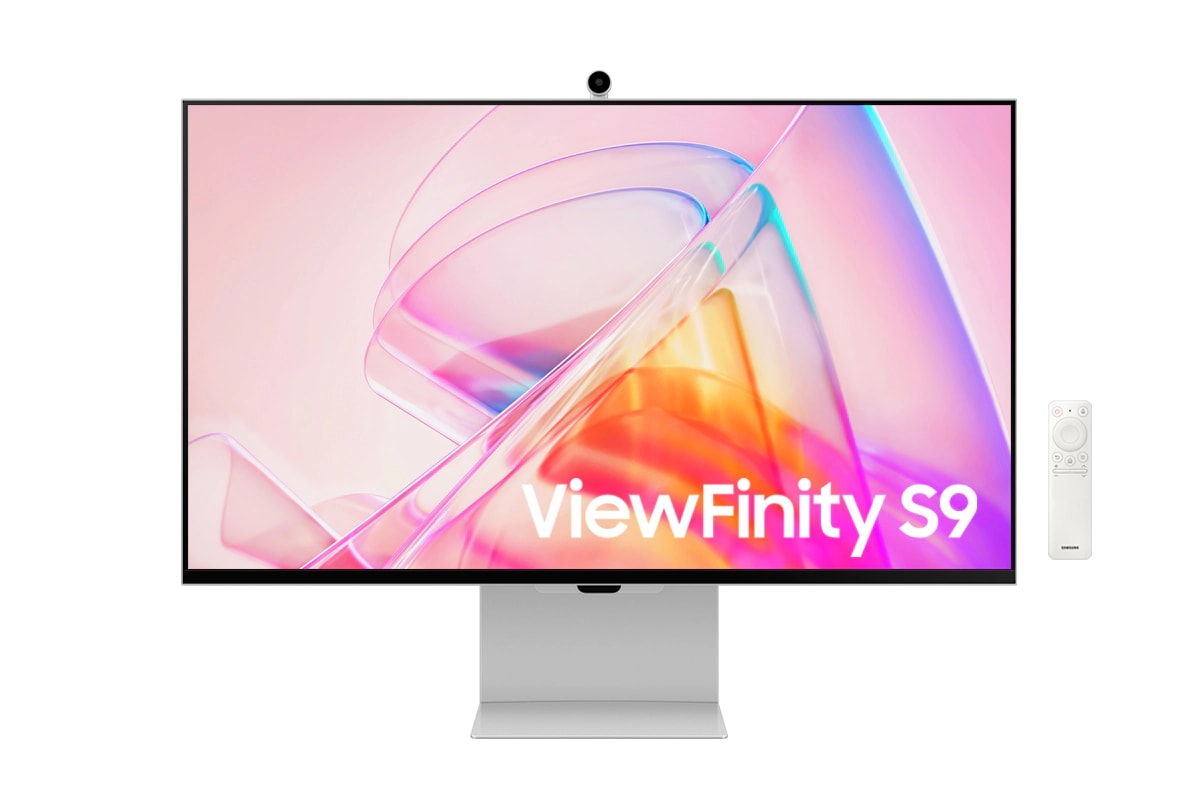
27 Inch ViewFinity S9 5K IPS | Matte | SlimFit Camera | Smart Monitor
 Message Us
 1-833-REVIEW8
- Images must be in BMP, PNG, GIF or JPEG format.
- File size must be 5 MB or less.
- Image must be at least 100 pixels tall.
- Image must be at least 100 pixels wide.
- It contains copyrighted media (and you don't hold the copyright)
- It contains media not related to the product
We may not publish your review if:
- It contains copyrighted media (an you don't hold the copyright)
- It contains media not related to the product
 Use my current location

Complete your laundry room with a matching washer




Buy and try with our 100-day, risk-free trial
Finding the perfect fit can be a challenge. Now you can shop worry-free unlike ever before.
- Buy now by paying in full or with unbeatable Samsung Financing.
- Try out your purchase for up to 100 days, risk-free.
- Then, keep it or return it and get a full refund.

Samsung Select 3-Day Delivery
We will put a rush on your appliance order!Your new appliance will arrive within three days.
- Place your order by 2:00 EST for 3-day delivery.
- You will receive an email with a link to schedule your delivery.
- This service is not available during holiday blackout periods.*
- This service is not available for orders containing ineligible products.


With 5K, there's more space to get more done
5K Resolution
5K provides more pixels than 4K, creating a bigger canvas, with 218 PPI for incredible detail. The 99% DCI-P3 option delivers the color saturation that brings your ideas to vibrant life, and factory-calibrated color accuracy (ΔE < 2) delivers true color representation straight out of the box.*
* Color accuracy figures may vary based on the measuring device and the measuring point. Screen features may vary depending on system environment, such as computer components, duration of use, or other factors. Factory calibration is completed and measured in sRGB before shipment.


Anti-glare that's easy on the eyes
Matte Display
Take care of your eyes while you take care of work. Matte Display drastically reduces light reflections without obscuring your view. Intelligent Eye Care automatically optimizes brightness, reduces blue light, and eliminates screen flickering, so you can keep your eyes on the prize.


Brilliant colors smartly suited to your needs
Smart Calibration
The ViewFinity S9 brings vivid colors to life. With Smart Calibration and a smartphone, the screen can easily be customized for unique experiences. Choose between DCI-P3 or sRGB color space, and set your preferences, color temperature, luminance, and gamma settings without any extra tools or complex procedures.*
* Smart Calibration is available on Galaxy S10 or later, Galaxy Note10 or later, Galaxy Fold devices, Galaxy Flip devices, iPhone 11 or later, and the second generation iPhone SE 2 or later.
* Requires the latest version of the SmartThings app.
* On-screen content simulated for demonstration purpose.
* Color accuracy figures may vary based on the measuring device and the measuring point.
* Screen features may vary depending on system environment, such as computer components, duration of use, or other factors.


Pure colors backed by experts
Pantone Validated™
View every hue with true-to-life accuracy. Backed by the world leader in color development, S9 is Pantone Validaated, confirming the authentic reproduction of more than 2,000 Pantone colors and 100 Pantone SkinTone™ shades on screen. Now your work looks as good on your monitor as in the real world.


Enjoy 5K with versatile compatibility
Thunderbolt™ 4 & DP Port
Designed with powerful performance and versatility in mind, ViewFinity S9 with Thunderbolt 4 provides up to 90W charging and 40Gbps data transfer. Together with DisplayPort and three downstream USB-C ports, these connections enable seamless integration across multiple devices.
*Only Mac computers with Apple silicon introduced after 2020 are supported.
- MacBook Pro introduced in 2021 or later, plus MacBook Pro (13-inch, M1, 2020)
- MacBook Air introduced in 2022 or later, plus MacBook Air (M1, 2020)
- iMac introduced in 2021 or later
- Mac mini introduced in 2020 or later
- Mac Studio introduced in 2022 or later
- Mac Pro introduced in 2023


Communicate clearly with exceptional video calls
4K SlimFit Camera
Always capture your good side. The 4K Resolution of the built-in SlimFit camera keeps video conferencing crystal-clear. Capturing content in high resolution has never been easier.


Expand possibilities with Apple AirPlay
Apple AirPlay
Sometimes one screen just isn't enough. With Apple AirPlay, mirror or extend your screens to get more done. Wireless dual screens increase productivity, without increasing the number of plugs.*
* AirPlay or mobile mirroring requires iOS 12.3 or later, or macOS 10.14.5 or later, or Android OS 8.0 or later. This function may not be supported depending on the model or geographical area. Apple and AirPlay are trademarks of Apple Inc., registered in the U.S. and other countries and regions.


A screen that adjusts for your optimal comfort
Slim Metal Design & Ergonomics
A slim metal design that works for you in any space, with a height adjustable screen that tilts for the best angle and ultimate utility. Pivot the screen 90 degrees to view long documents with less scrolling. Plus, you can keep your desk clutter-free and clean with VESA-compatible mounting.


Simple access to after-work entertainment
Smart TV Apps
When the work is done, let the play begin. Seamlessly switch to entertainment mode with embedded Smart TV Apps which have all of today's hottest streaming content, easily accessible on one screen.*
* App availability may vary by country and separate subscriptions may be required. Samsung TV Plus and Universal Guide availability and remote control specifications may vary by country. Requires internet connection and TV tuner is not included. You will need a Samsung Account to access the full range of smart features available through your device, including network-based smart services, applications such as games and streaming services, smart home functionality, and many more. If you choose not to log-in to your device with your Samsung Account, you will only be able to connect to terrestrial TV (applicable to devices with tuners only) and external devices, e.g. via HDMI. Terms and Conditions apply. UI is subject to change without prior notice.


Where gaming comes together
Gaming Hub
Samsung Gaming Hub is the ultimate home for gaming. Instantly play the biggest games from top streaming partners, with no PC or console needed. Discover new games or replay old favorites all in one place.
* Gaming Hub is available in limited countries, with app availability differing by country. Accessing Gaming Hub is free of charge. Subscription may be required to access content offered by game-stream providers on the Gaming Hub platform. A separate controller may be required depending on the specific game you are playing on the Gaming Hub. Requires internet connection.


Specifications
{{family.currentModel.displayName}}
{{family.currentModel.modelCode}}
Price with discount: {{model.prices.currentPriceDisplay}}
Price before: {{model.prices.priceDisplay}}
-
{{summary.title}}
-
{{summary.title}}
Compare the models
Compare with similar items


